
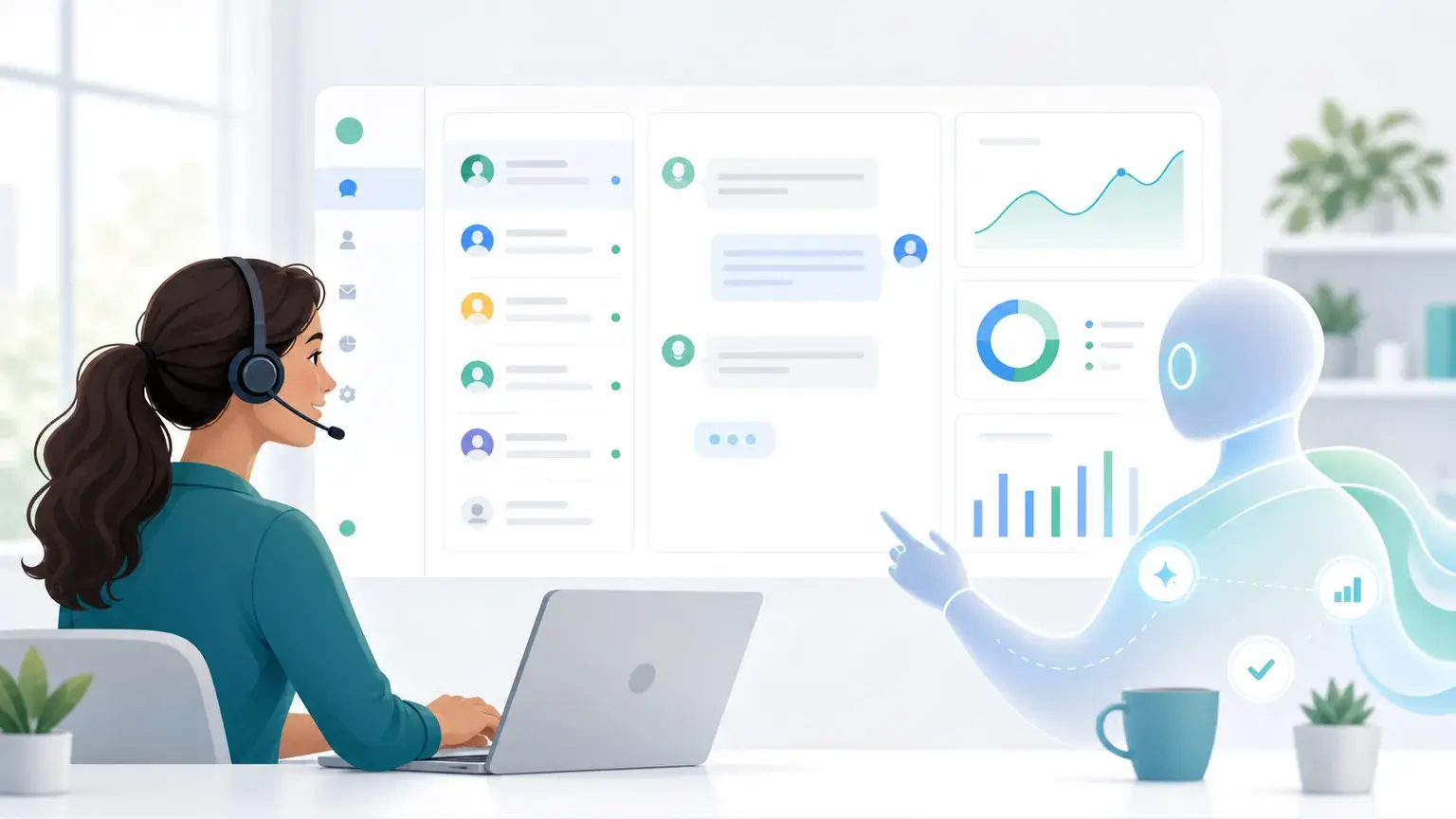
We have all been there, trapped in a phone menu loop and repeating “representative” while the system refuses to listen. Hold music repeats, patience disappears, and a simple billing or account question starts to feel much bigger than it should.
Modern support should feel different. A customer should be able to open a chat, ask a question in normal language, and get useful help in seconds. If the issue needs a person, the handoff should happen with the full story already attached.
That is the promise behind Gleap and Kai. Gleap brings AI support, live chat, knowledge base content, product feedback, bug reporting, and human escalation into one connected workspace. Routine questions can be answered immediately, while complex issues are prepared for the right human teammate.
The result is not AI for its own sake. It is faster help, lower repetitive workload, safer handling of customer data, and a better experience for the people on both sides of the conversation.
Why old chatbots were frustrating and how generative AI helps
The first wave of support chatbots often felt like a menu with a chat box attached. They looked for exact keywords, followed rigid scripts, and failed when a customer used different wording. If you asked about a delayed package but did not use the word the bot expected, the conversation went in circles.
Generative AI changes that pattern because it can interpret intent across a full sentence. It can understand typos, messy phrasing, emotion, and context. A customer does not need to speak like a database query. They can explain the problem naturally.
For SaaS support, this matters because real customer questions are rarely tidy. A user might say that a dashboard is stuck, a report will not load, or an integration disappeared. Good AI support connects that message to approved knowledge, previous conversations, account context, and product state before it replies.
Gleap helps teams use this kind of AI in practical support workflows. Kai can answer from your knowledge base, summarize conversations, support human agents, and keep escalation visible when the issue needs judgment.
How Gleap acts like one support brain
Many support stacks are stitched together from disconnected tools. Chat lives in one place, bug reports in another, feature feedback in another, and technical evidence somewhere else. Customers feel that fragmentation when they have to repeat the same story to each new channel.
Gleap is built as a connected support workspace. With the multichannel customer support platform, teams can manage chat, email, WhatsApp, Instagram, Messenger, Telegram, and in app conversations in one place. Kai then works with that shared context instead of answering from a blank slate.
That connected view is especially useful when a support conversation turns technical. If a customer says the app crashed, Gleap can connect the conversation with in app bug reporting, screenshots, session replay, console logs, network requests, device details, and customer context. The customer gets a clearer path forward, and the team gets evidence that developers can actually use.
For the customer, the experience feels simple. They explain the problem once. For the support team, the system preserves the context needed to resolve it faster.
Why European hosting matters for customer trust

AI support only works when customers trust the environment around it. A support conversation may contain account details, billing context, product usage, screenshots, logs, or personal information. Where that data is processed and governed matters.
European hosting gives SaaS teams a stronger privacy foundation. It supports clearer data residency expectations, European compliance requirements, and a customer trust story that is easier to explain. For teams selling into privacy conscious markets, that can be just as important as speed.
The practical goal is simple: use customer data to help the customer, not to create unnecessary privacy risk. Support teams should know which knowledge sources the AI can use, which workflows need human approval, and how conversation data is retained or deleted.
This is why a secure AI support rollout should combine three things:
- Approved knowledge sources, such as a maintained knowledge base.
- Clear permissions for what AI can answer, summarize, route, or escalate.
- Human review for sensitive issues involving billing, security, legal questions, account access, or angry customers.
Speed is valuable, but trust is what keeps customers willing to use the system again.
Where support automation savings come from
Support automation reduces cost when it removes repetitive work without blocking customers from human help. The biggest savings usually come from high volume questions that are already documented: password resets, setup steps, plan limits, product navigation, status updates, and basic troubleshooting.
When AI resolves those questions, human agents can spend more time on exceptions, technical issues, and emotionally sensitive conversations. The goal is not to replace empathy. The goal is to stop spending human attention on the same simple answer hundreds of times.
There are three metrics worth watching:
- Deflection rate, which shows how many questions AI resolved without a human.
- Customer satisfaction, which shows whether automation actually helped.
- Average resolution time, which shows how quickly the real problem was solved.
Deflection alone is not enough. A support bot can deflect a ticket by frustrating the customer into leaving. High quality automation pairs fast answers with clear escalation, accurate knowledge, and quality review.
That is where Gleap helps. Teams can connect Kai with knowledge base content, live chat, feedback, bug evidence, and agent workflows so automation remains part of the full support system.
How predictive support reduces response time
Waiting 24 to 48 hours for an answer is painful when a customer is blocked in the middle of a purchase, setup, or product workflow. A predictive help desk looks at the available context and offers the most likely next step before the customer has to explain everything from scratch.
For example, a user who spends a long time on a billing page might need plan help. A user who opens chat after a failed action may need troubleshooting. A user who returns after a previous unresolved ticket may need continuity rather than a generic greeting.
Gleap can support this kind of contextual care because conversations sit near product signals. Teams can use chat, knowledge base suggestions, feedback, and bug reporting together instead of treating each support channel as a separate island.
The benefit is a true zero wait feeling. Customers get help in the moment, and agents enter conversations with context already prepared.
How sentiment analysis spots unhappy customers early
AI support should know when speed is no longer the main issue. If a customer is angry, worried, or urgent, the system needs to change behavior. Sentiment analysis helps detect that shift from the words and tone in the conversation.
When sentiment turns negative, a good workflow does three things:
- Acknowledge the emotion with a calm response.
- Prioritize the issue so it does not sit behind routine questions.
- Hand off to a human with the conversation history attached.
This prevents the classic support failure where a customer asks for a person and the bot keeps looping. In Gleap, AI should make the human team more prepared, not harder to reach.
A practical implementation plan for AI support
Setting up AI support is closer to training a new teammate than flipping a magic switch. The safest rollout starts with a narrow scope and expands as quality improves.
Start with your knowledge base. The AI needs a source of truth, so update the articles that answer common questions. Product setup, account settings, plan details, troubleshooting steps, and policy explanations are good starting points.
Then define the tone. Should the assistant sound friendly and casual, or concise and professional? Tone matters because support is a brand experience, not only an operations workflow.
Finally, monitor transcripts. Review questions that Kai answered, escalated, or failed to answer. Every transcript is a learning signal. It can reveal missing documentation, confusing product areas, broken onboarding, or issues that should move into product feedback.
Teams can start small with live chat, Kai, and one reliable knowledge source. Once the first workflows are working, expand into routing, summaries, agent suggestions, and proactive help.
How AI copilots make support agents more effective

The best AI support systems help humans do better work. They do not simply hide the human team behind a bot.
An AI support copilot can summarize long conversations, suggest replies, classify tickets, and prepare context before an agent joins. That saves time in the moments where agents usually have to read back through a long thread while the customer waits.
For agents, this means less repetitive typing and less manual sorting. For customers, it means the person who joins the conversation already understands what happened.
Useful copilot workflows include:
- Conversation summaries that show the issue, attempted answers, and customer sentiment.
- Suggested replies that match the brand voice and pull from approved knowledge.
- Ticket categorization that routes the issue to the right team.
- Bug context that keeps screenshots, logs, and session evidence attached.
This is how AI makes support teams feel larger without making customer care feel colder.
Why self service gets better with AI
Sometimes the best support conversation is the one a customer never has to start. If someone needs to reset a password at midnight or check a setup step during a busy workday, they often want the answer immediately.
Traditional FAQ pages made customers search through long article lists. AI self service can read across approved help content and return the specific answer or article that matches the question.
This also improves the knowledge base over time. When many customers ask the same question and the answer is missing or unclear, the team has a clear signal to update documentation. Support automation becomes a quality loop, not only a deflection tool.
For SaaS teams, this matters because every repeated support question may point to a product, onboarding, or documentation gap. Gleap keeps those signals close to feedback and product workflows, so teams can improve the source of the issue rather than only answer it faster.
How personalization and translation make support feel local
Customers do not want to reintroduce themselves every time they need help. Contextual awareness lets the system remember previous conversations, account details, and product state so support feels continuous.
That kind of memory makes personalization useful. If someone asked about a delayed issue last week, the next support session should not start from zero. The system should understand the history and move directly toward resolution.
For global teams, language matters too. Real time translation can help support agents assist customers in more regions without immediately hiring a dedicated team for every language. The important detail is context. Modern AI translation should preserve meaning, tone, and urgency, not only swap words one by one.
Together, personalization and translation make support feel more human. Customers get help that respects their history, their language, and their time.
How to measure the ROI of support automation
Support automation pays off when it improves both efficiency and customer experience. A lower cost per ticket is useful, but only if customers are still getting accurate help.
Track these signals together:
- AI resolution rate for routine questions.
- Customer satisfaction after AI conversations.
- Reopen rate when customers return with the same issue.
- Average resolution time from first message to solved problem.
- Agent time saved through summaries, suggestions, and routing.
- Knowledge gaps discovered through repeated unanswered questions.
This gives leaders a more honest view than a single automation number. If AI resolves more conversations while satisfaction stays healthy and reopen rates stay low, the workflow is likely creating real value.
Gleap also connects support automation to the wider product loop. With Kai, bug reporting, feedback, and roadmap workflows in one platform, teams can see when support questions point to documentation gaps, product friction, or bugs that should be fixed.
The future is fast, safe, and connected
AI customer support should not feel like a wall between customers and people. It should feel like a faster path to the right answer, with human help ready when the situation calls for it.
Gleap makes that possible by combining Kai, live chat, knowledge base software, agent copilots, feedback, bug reporting, and European hosting in one support environment. Customers get faster answers. Agents get better context. Product and engineering teams get clearer signals about what needs to improve.
To see how this fits your own support operation, explore Gleap Kai, review the AI support copilot, or compare plans on Gleap pricing.
The era of hold music and repeated explanations is fading. The next support experience is immediate, contextual, privacy aware, and connected to the teams that can solve the root problem.