Email marketing automation.

Event-based sending and newsletters from the same customer context.

4.6/5 on G2
Trusted by 4,500+ teams worldwide
Automations and broadcasts in one email layer
Start 14-day free trial
Two ways to send product emails. Gleap email marketing automation covers both sides of customer communication: event-based sending for lifecycle moments that should run automatically, and newsletters for product updates, announcements, and timely broadcasts.
Event-based sending
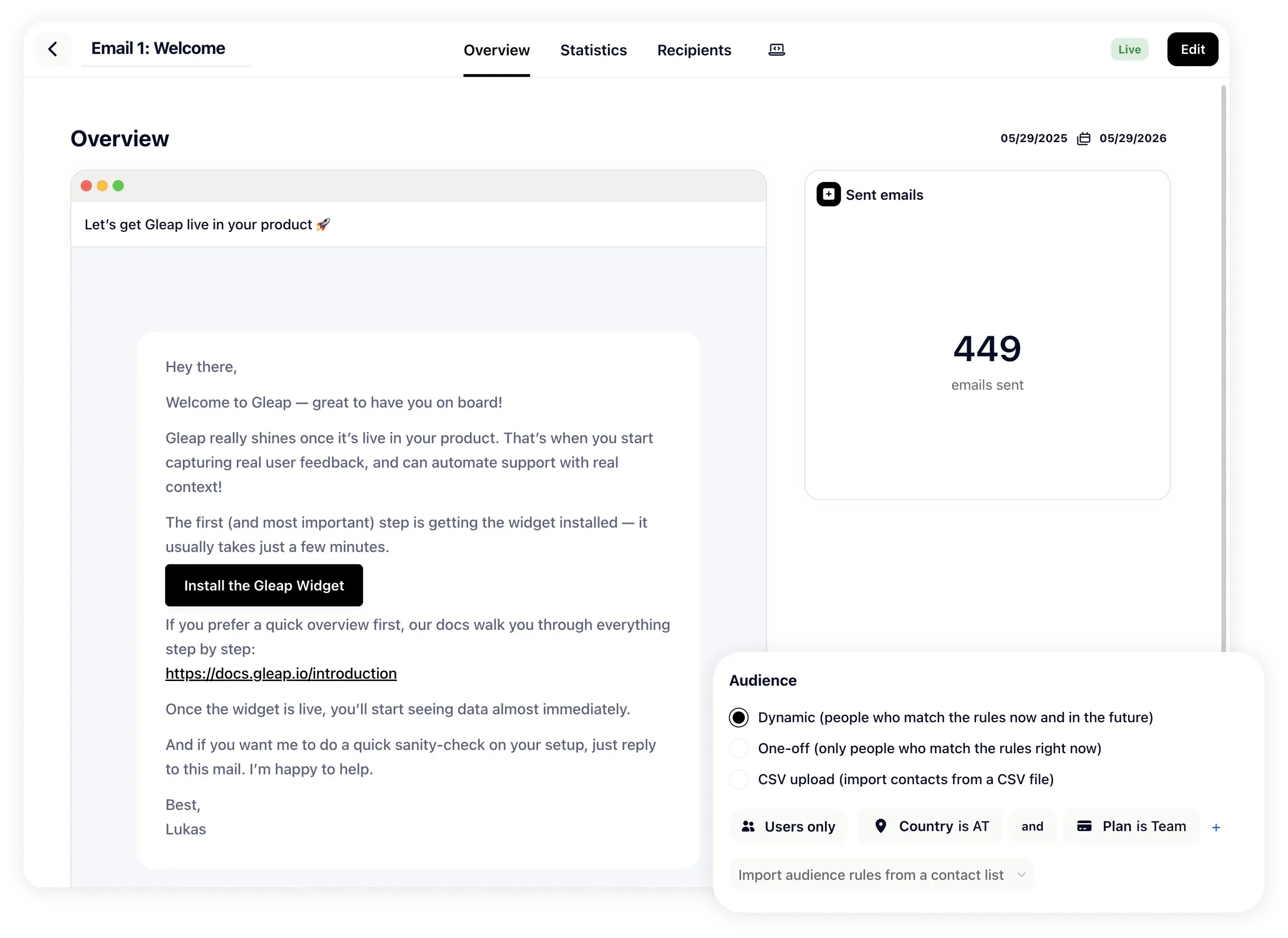
Trigger emails from real product and customer signals. Send onboarding nudges, re-engagement emails, follow-ups, renewal reminders, or feature-specific messages when a user matches the right event, segment, or timing rule.
Event trigger configuration for automated outbound emails in Gleap.
Newsletters
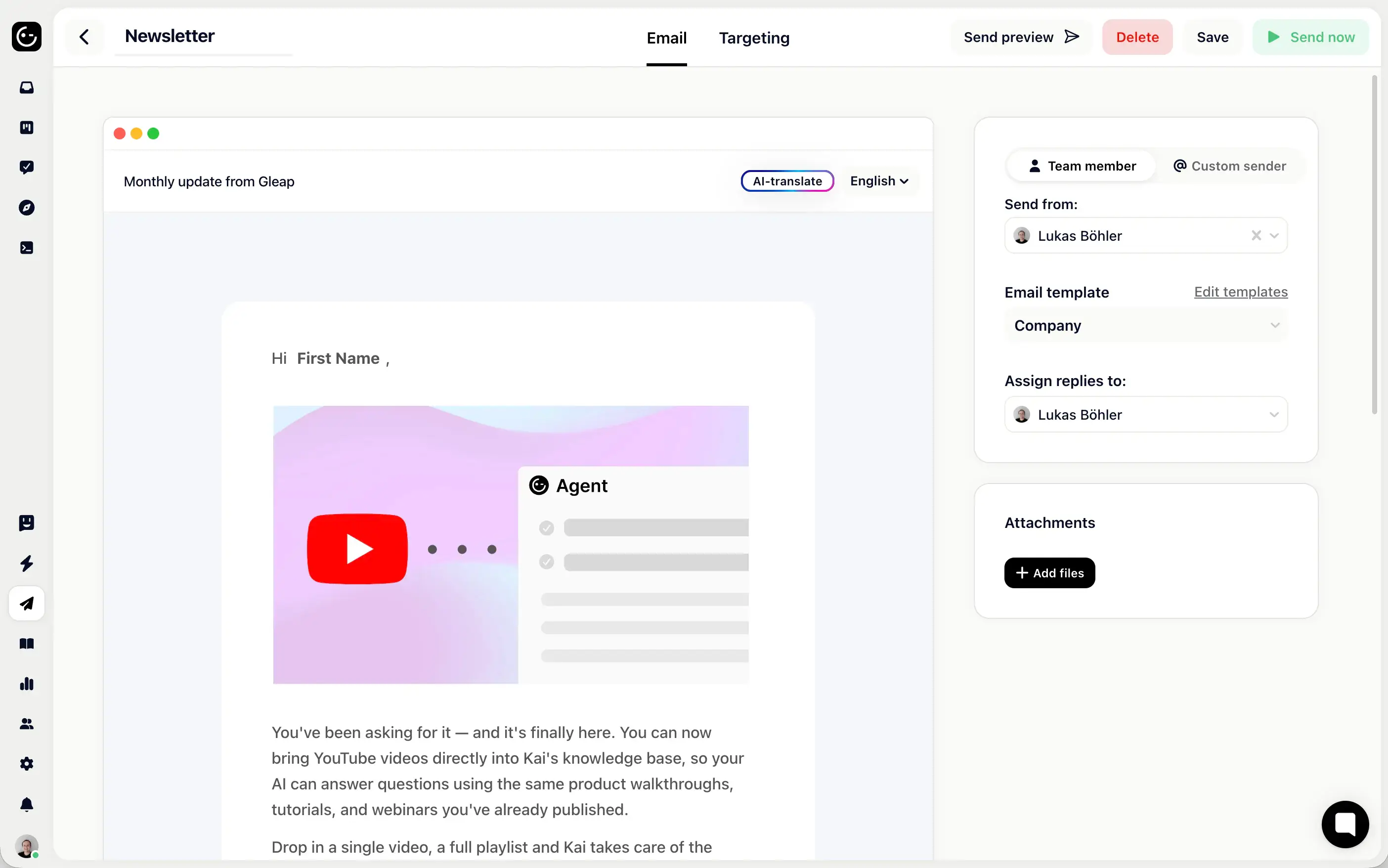
Send a campaign once to a selected audience. Use one-off emails for newsletters, release announcements, company updates, launch notes, educational content, or customer segments that need a clear broadcast.
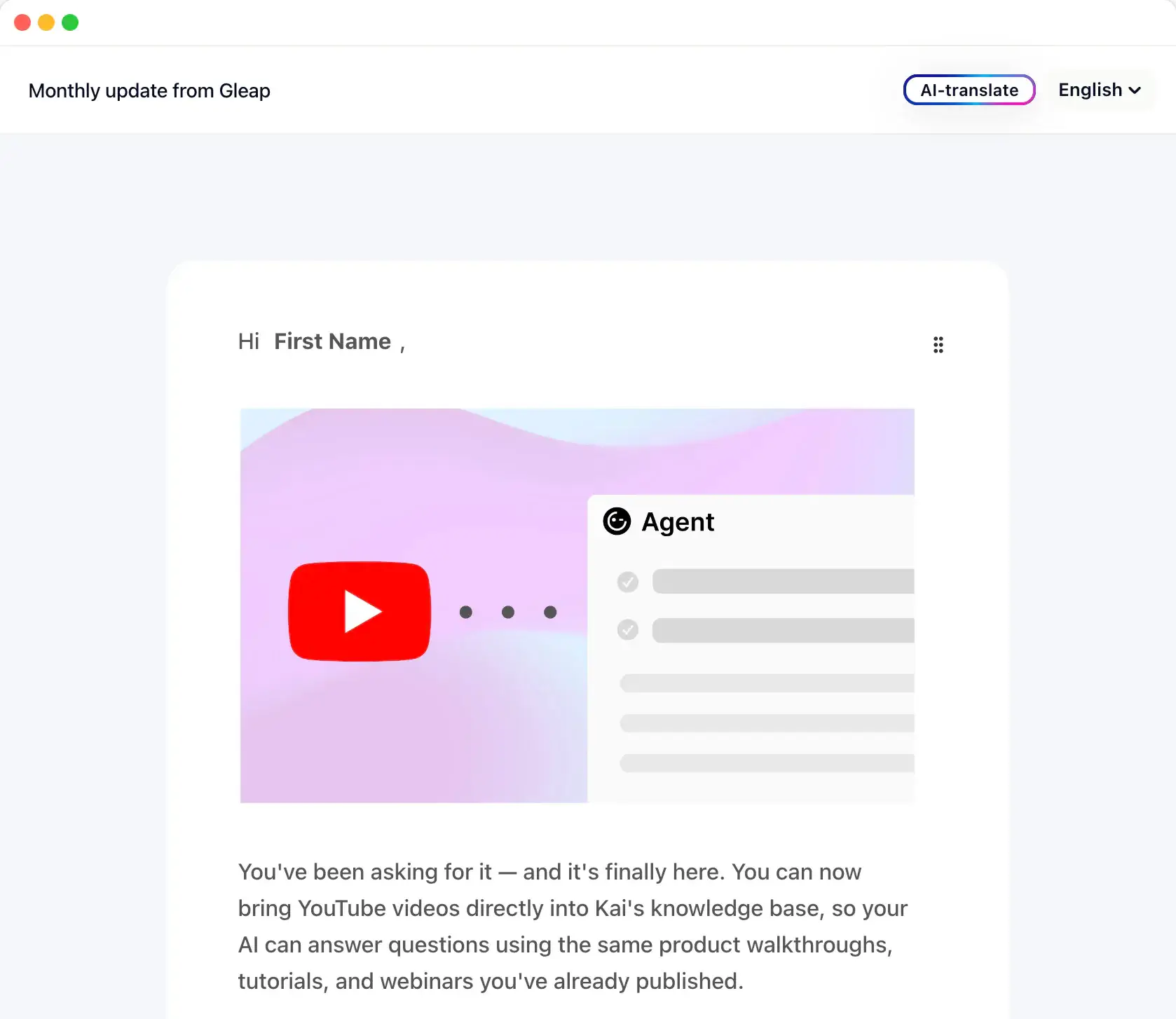
Gleap email templates for newsletters and product updates.
Behavior triggers
Fire automated emails when users match an event, page, lifecycle stage, or segment.
Newsletter campaigns
Send newsletters, updates, and announcements once to the audience you choose.
Sender controls
Pick who the email comes from and keep replies connected to your customer workflow.
Customer context
Use the same customer data your support, feedback, and product teams already share.
One email layer
For automations and newsletters.
Use event-based sending when the timing should be decided by user behavior. Use newsletters when your team has a specific message to share now: a product update, launch note, incident follow-up, or announcement.
See all marketing automation
Outbound stack icons for news, email, messages, banners, surveys, and push notifications.
“Essential to our development process.”
Gleap was implemented within minutes and helps MARK.ONE fix bugs quickly while building real customer relationships.
Mark Breuß
Founder, MARK.ONE
What each sending mode is for
Automate recurring moments. Send newsletters and timely updates.
Activation emails
Trigger onboarding emails after signup, first use, or incomplete setup steps.
Lifecycle nudges
Reach users automatically when behavior, account stage, or inactivity says it is time.
Contextual follow-ups
Respond to support, feedback, survey, or roadmap signals with a targeted next step.
Newsletter sends
Send regular product or company updates to selected customer and prospect audiences.
Product updates
Announce launches, improvements, and release notes without building a recurring workflow.
Audience controls
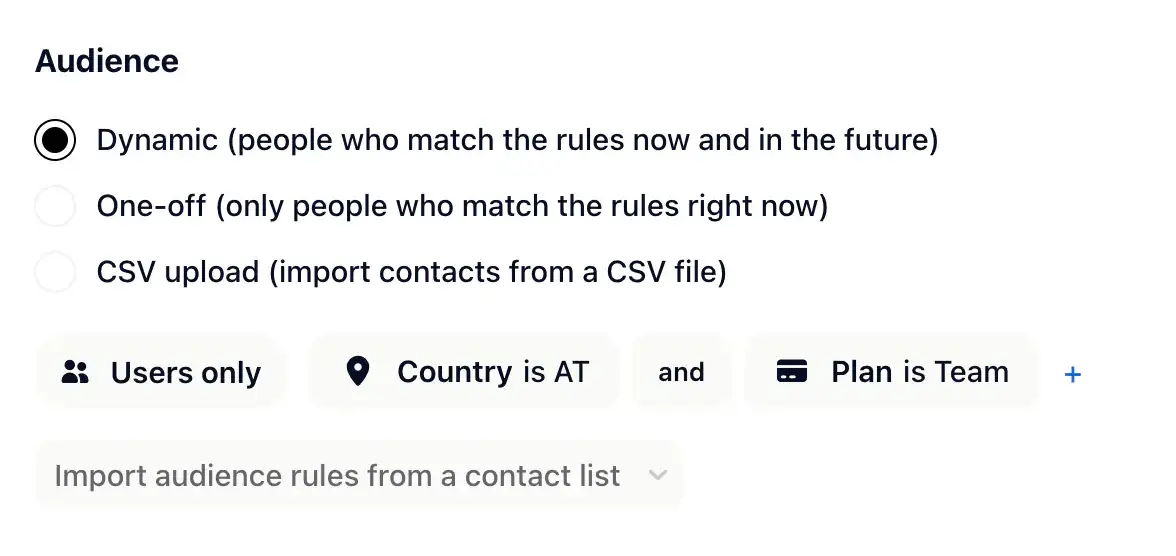
Choose who receives each one-off campaign using the customer data already in Gleap.
Send automated emails and newsletters from Gleap.
4.6 / 5
G2 · 4,500+ teams