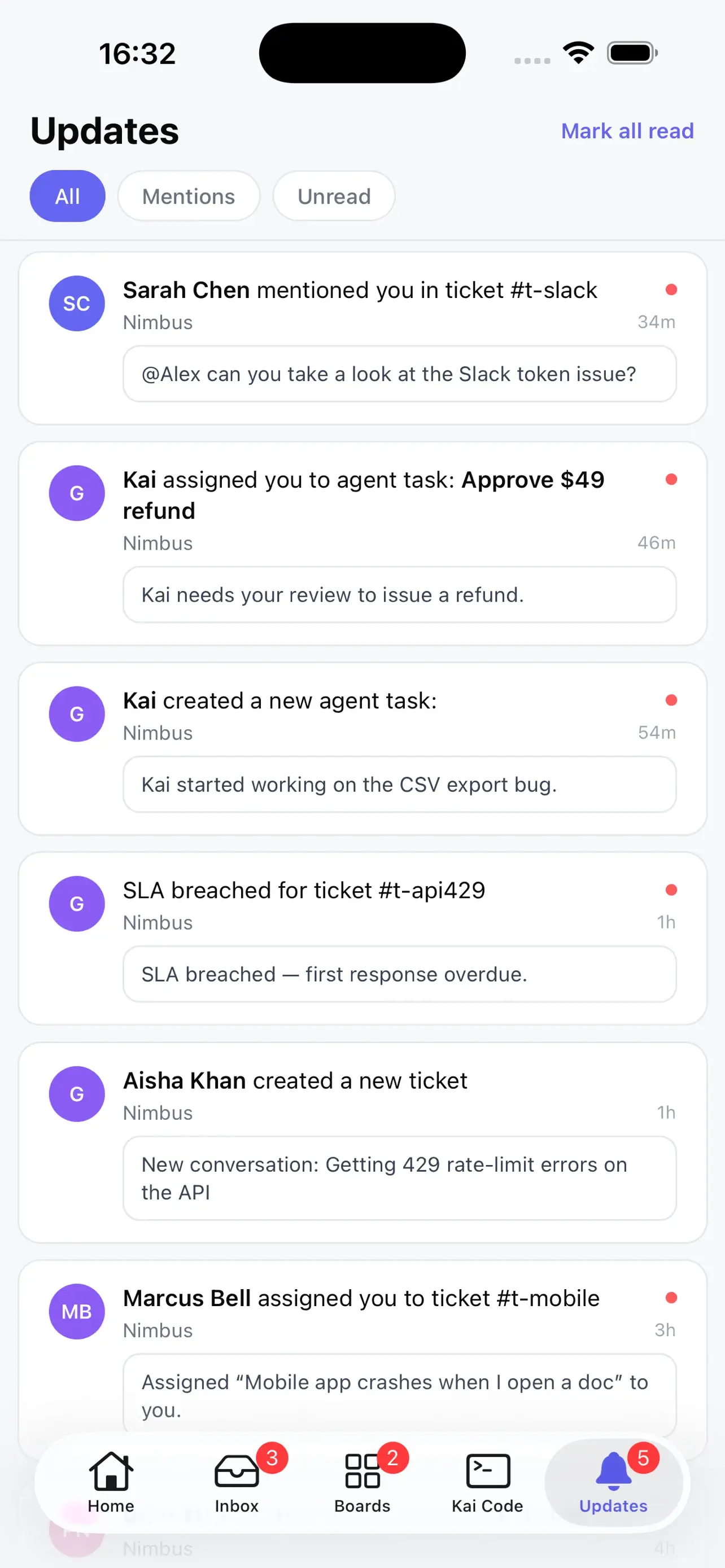
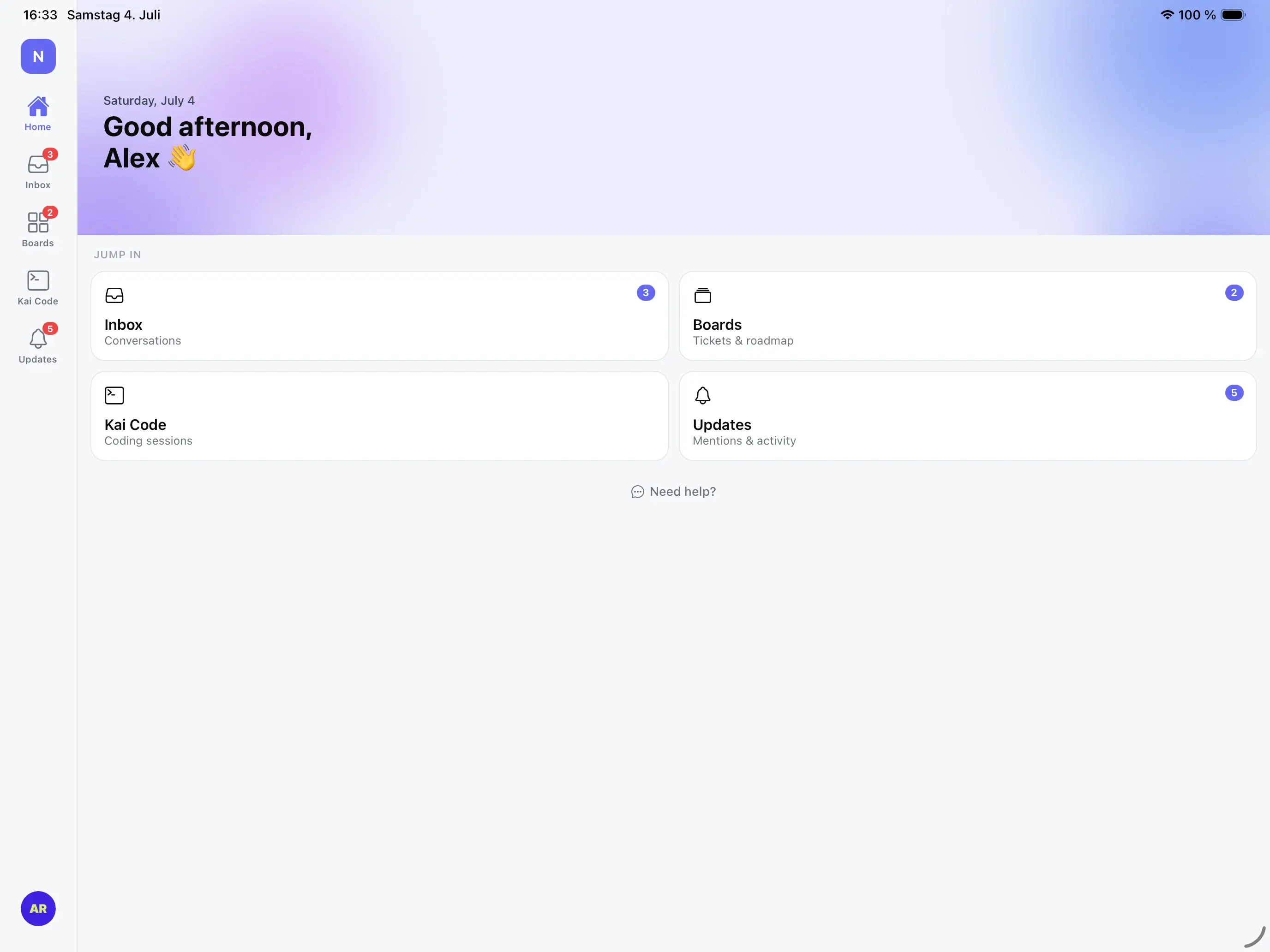
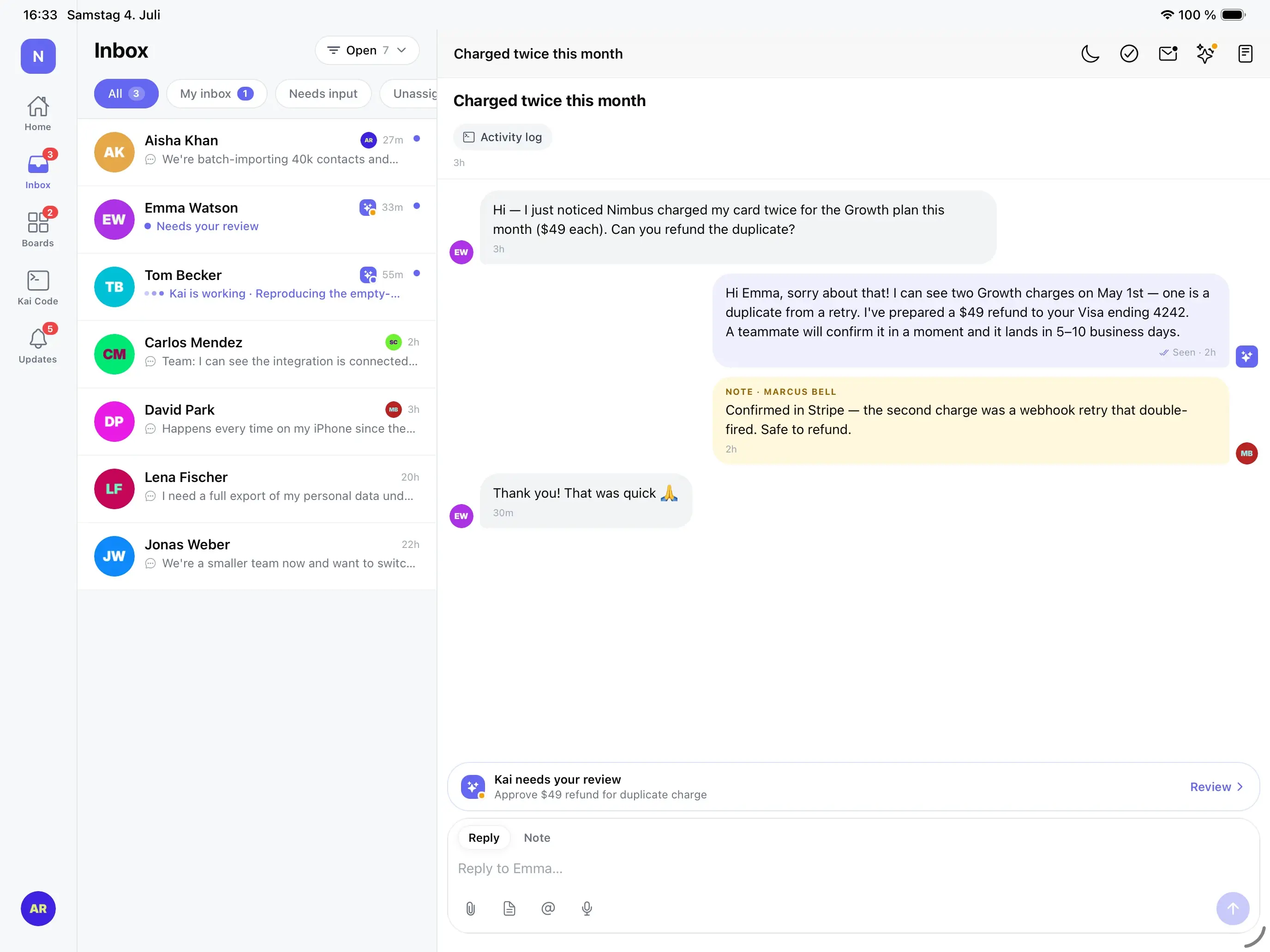
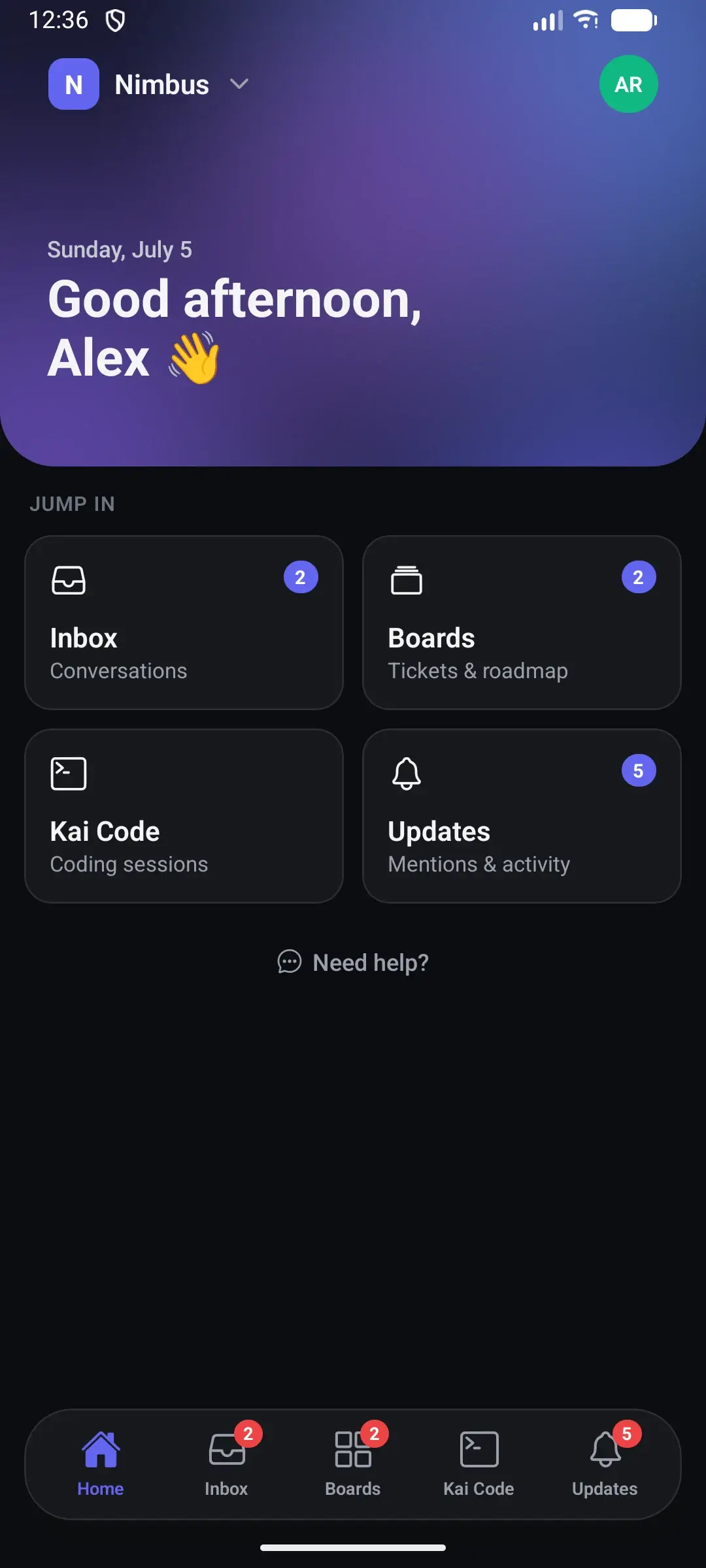
The App Store listing supports iPhone and iPad and currently requires iOS 16.4 or later.
Can I use my existing Gleap account?
Yes. Sign in with the same Gleap account you use on the web or desktop, then choose the workspace you want to manage.
What can I do from the mobile app?
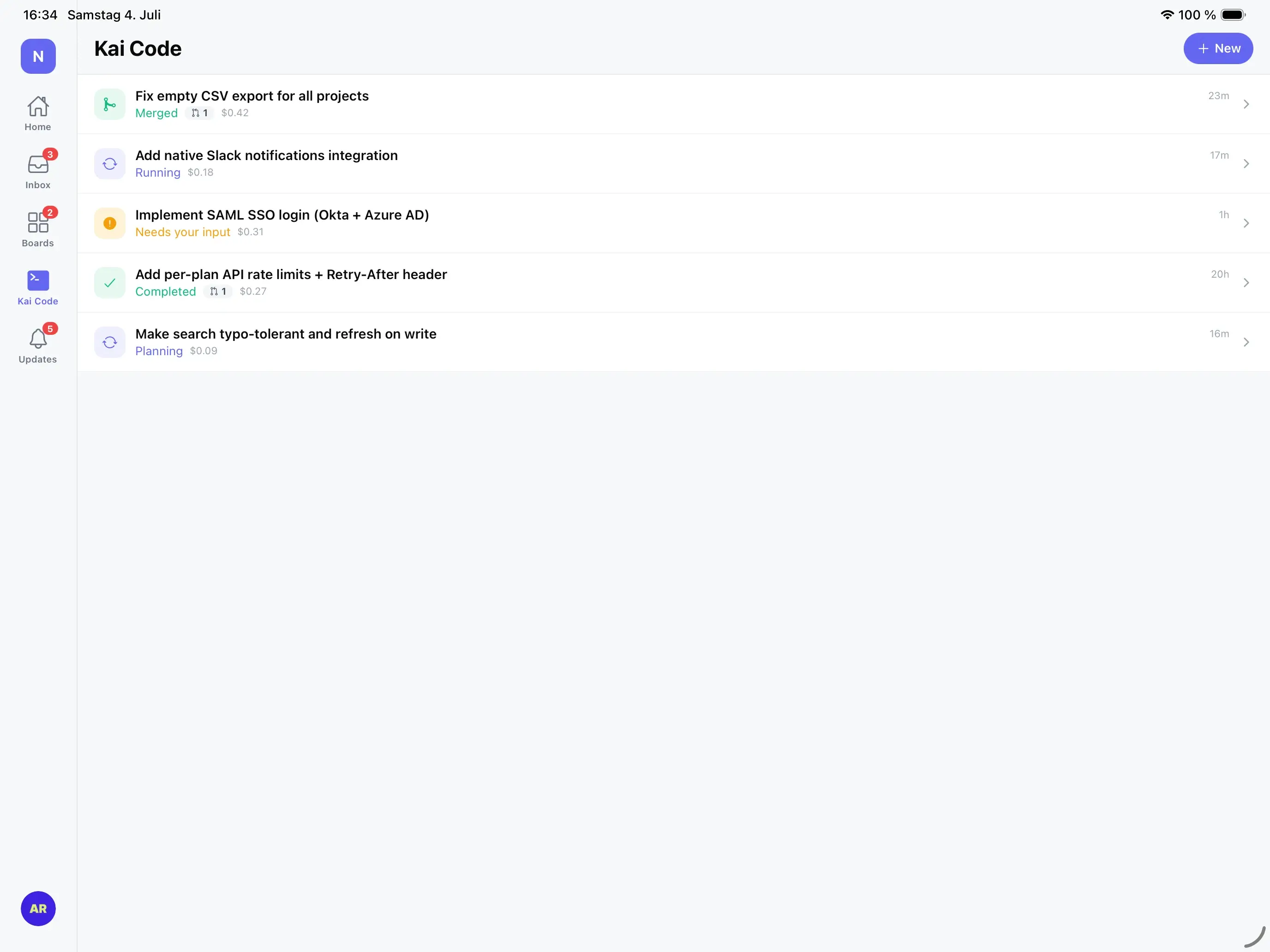
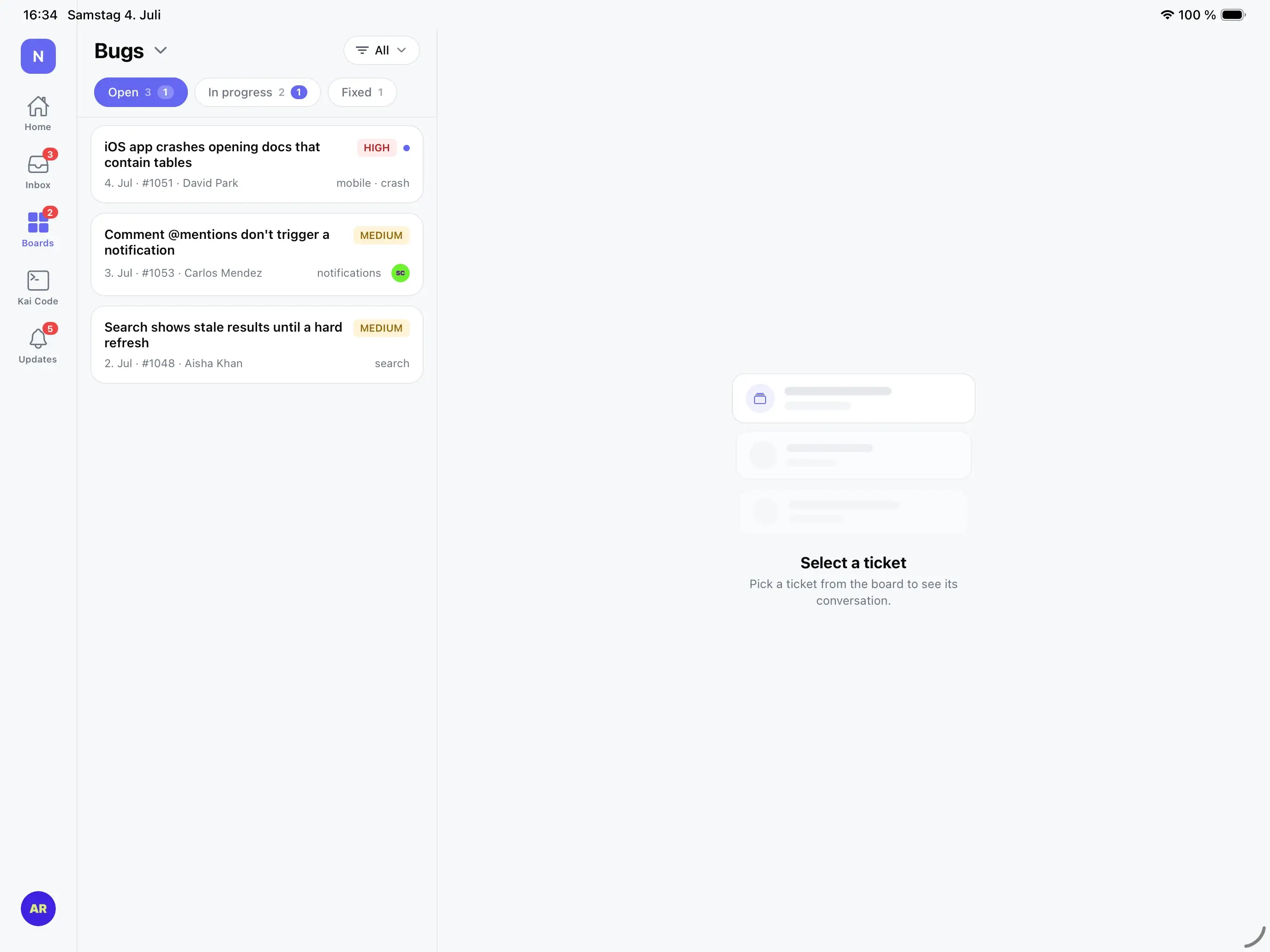
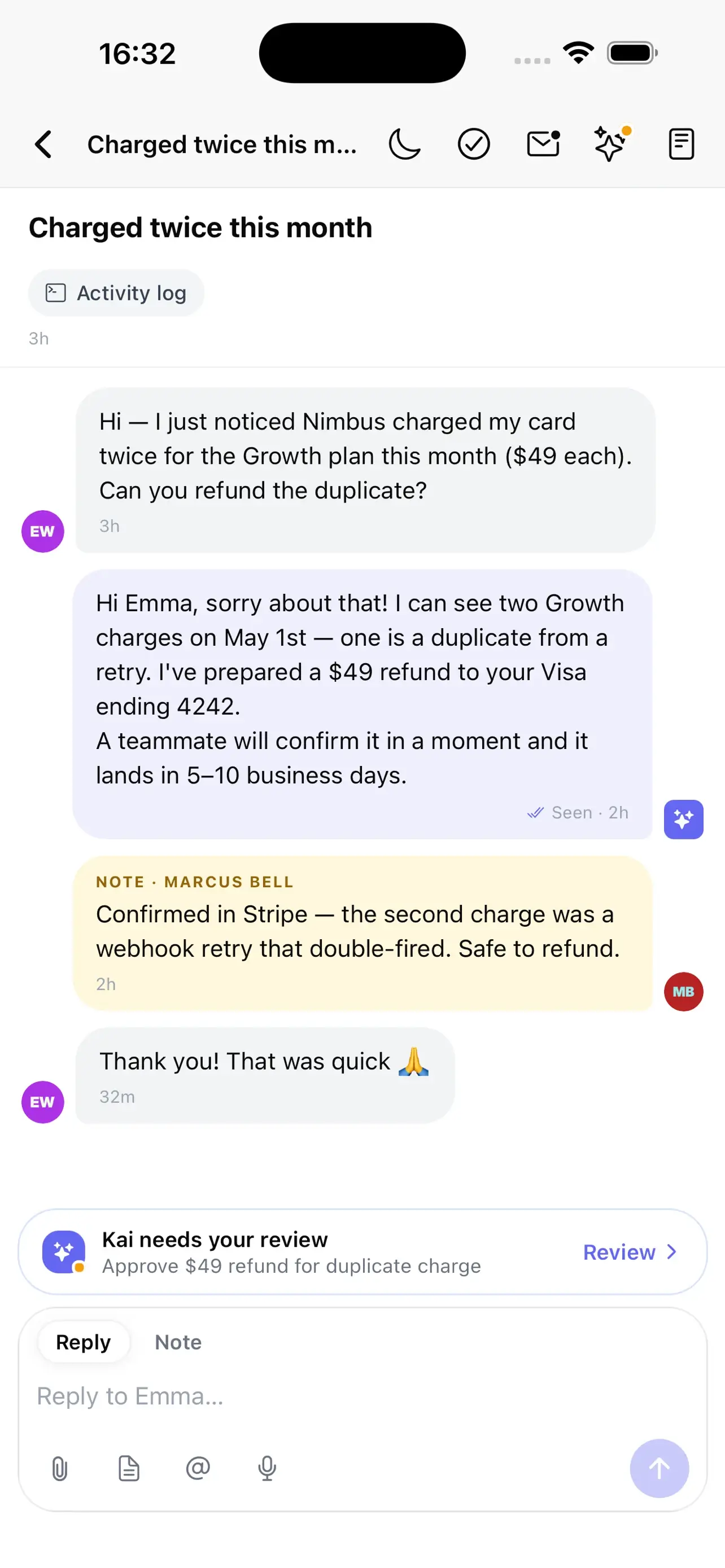
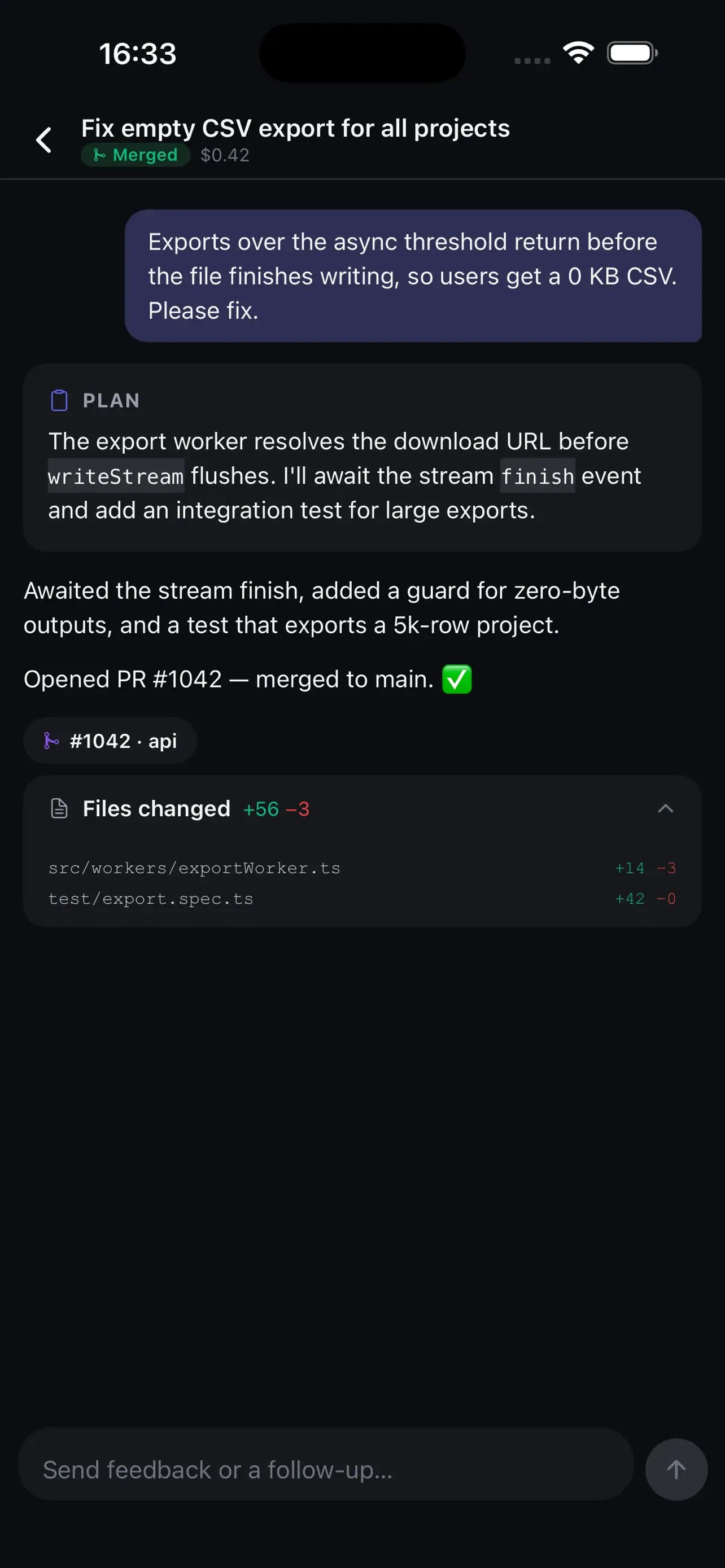
You can work with customer conversations, review and reply to tickets, check boards, follow Kai Code sessions, see updates and mentions, and switch between workspaces.
Does the app support push notifications?
Yes. Allow notifications when the app asks so you can see new conversations and updates while you are away from your desk. You can change that permission later in your iOS or Android system settings.
Should I remove the old home-screen web app?
After you have installed the native app, signed in, and confirmed it works, you can remove the old Gleap home-screen shortcut to avoid opening the previous web-app version by mistake.
Keep the customer loop moving from your phone or tablet.