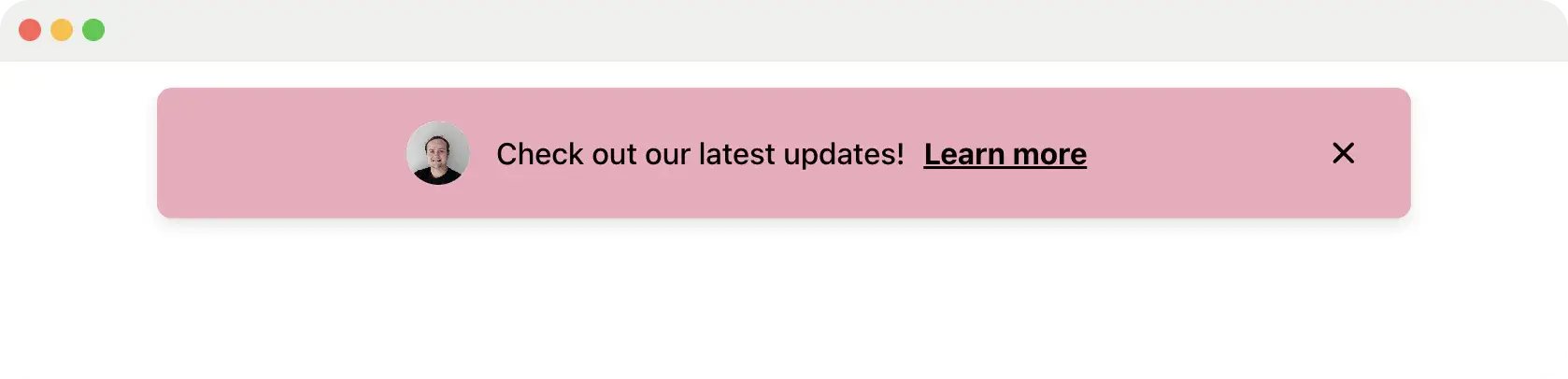
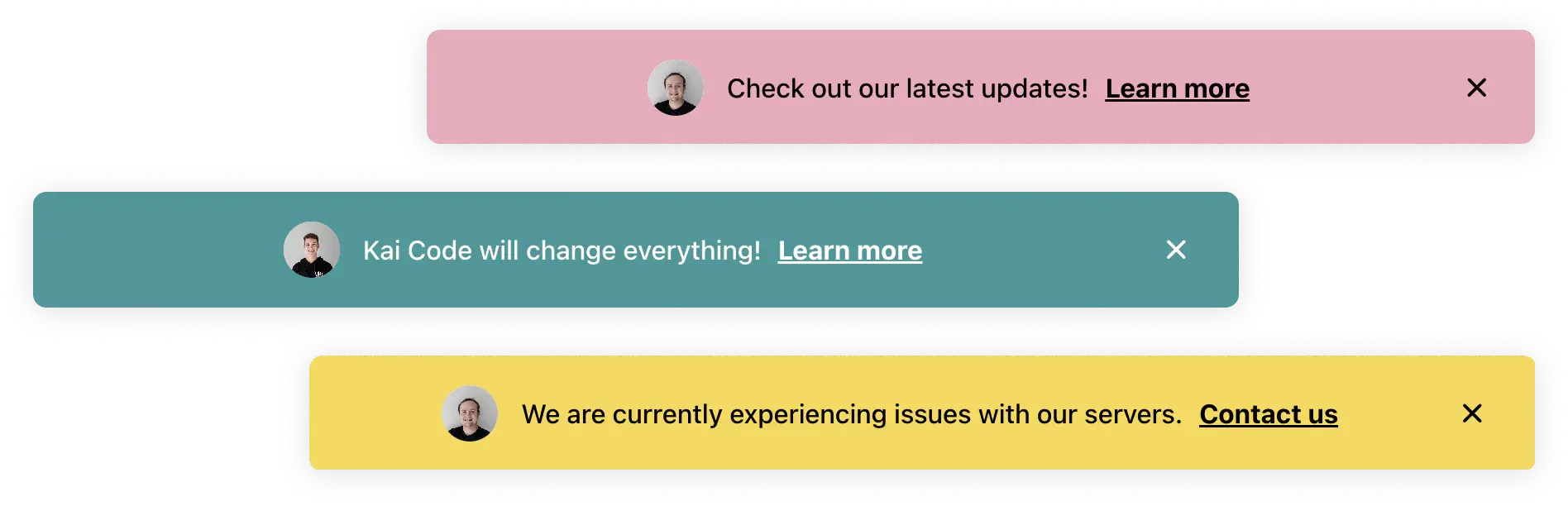
Choose inline banners in the page flow or floating banners above the interface. Control layout without asking engineering to ship a hard-coded notice.
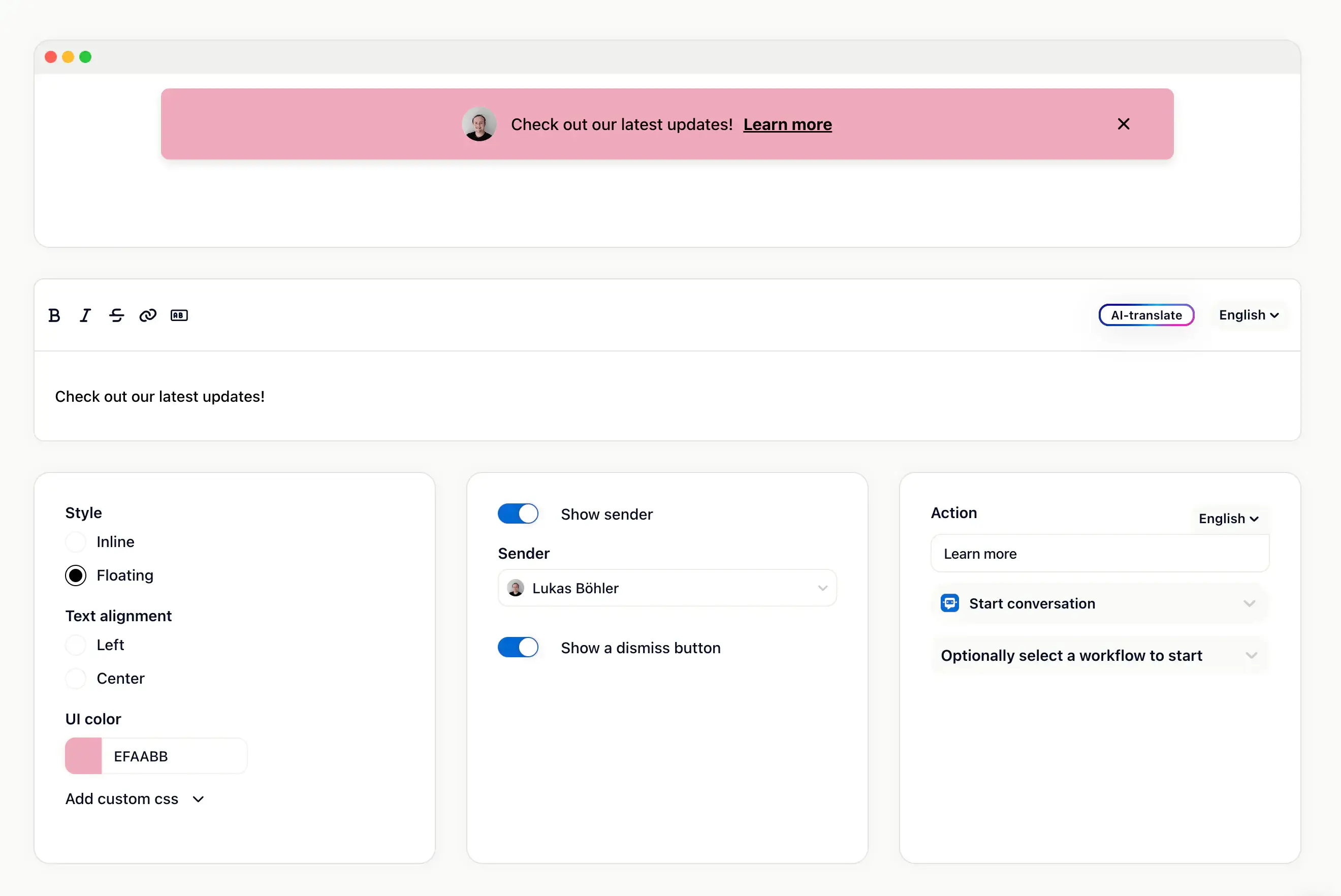
Design, targeting, and CTA controls
Customize headline, text, colors, sender information, close behavior, and call-to-action buttons. Then decide who sees the banner and when it should appear.
Inline banners
Display important notices as part of the app or website layout.
Floating banners
Show a more prominent fixed message above the interface.
CTA buttons
Send users to a feature, article, survey, upgrade path, or custom URL.
Dismiss controls
Let users close a notice when it should not stay permanently visible.
Banners are part of the outbound stack
Use them alongside email, push, news, and surveys.
Email works when the user is away. Push works for timely alerts. Banners work when the user is already in your product and needs to notice something right now.
Minuit Agency uses Gleap to collect and manage feedback and issues, with clients loving the shake gesture for reporting bugs.
Théo Hudry
CEO, Minuit Agency
What banners are good for
Visible but targeted product communication
Launch notices
Point the right users to a new feature, beta, or upgrade path.
Incident updates
Keep affected users informed during maintenance or temporary issues.
Onboarding nudges
Surface a timely next step without interrupting the full session.
Promotions
Show a plan, event, or webinar call to action to the relevant segment.
Survey prompts
Invite users into a feedback pulse after they hit the right behavior.
Policy notices
Communicate important account or compliance updates inside the product.
About in-app banners
What are in-app banners?
Banners are visual messages displayed inside your app or website. They can communicate important information, promotions, product changes, or calls to action to targeted users.
What banner styles does Gleap support?
Gleap supports inline banners and floating banners. Inline banners sit in the page flow, while floating banners are fixed above the content.
Can I customize the banner design?
Yes. You can customize text, colors, sender information, close button behavior, and call-to-action button content.
Can banners be targeted?
Yes. Banners can be shown to specific user segments or at specific times based on the targeting and trigger rules you configure.
Are banners the same as the news widget?
No. Banners are visible in-app notices for a specific moment. News and changelogs are better for product updates that should live in an announcement feed or release history.
Do banners require the Gleap SDK?
Yes. In-app banners are SDK-powered. Gleap's help center notes banner support from SDK 11.1.2 onward.