Marketing automation.

Reach, teach, and listen across the full outreach stack.

Coordinate surveys, email, push, WhatsApp, banners, tours, and in-app messages from the same customer context your support team uses - one audience, no CSV exports between tools.


4.6/5 on G2
Trusted by 4,500+ teams worldwide
Feedback, messaging, and in-product guidance in one workspace
Start 14-day free trial
Powering 4,500+ of the fastest-moving software teams
One outreach stack. Three jobs. Gleap does more than send campaigns. It helps you collect feedback, announce product changes, start conversations, and educate users while they are inside your product. This hub maps every outreach surface to its dedicated product page.
Choose the surface
based on what the customer needs next
Feedback and updates
Surveys, news, release notes, and product announcements that close the loop.
Direct outreach
In-app messages, chat, email, push, and WhatsApp from shared customer context.
In-product guidance
Info cards, tooltips, banners, checklists, product tours, and co-browse support.
Surveys
Ask for feedback at the right moment.
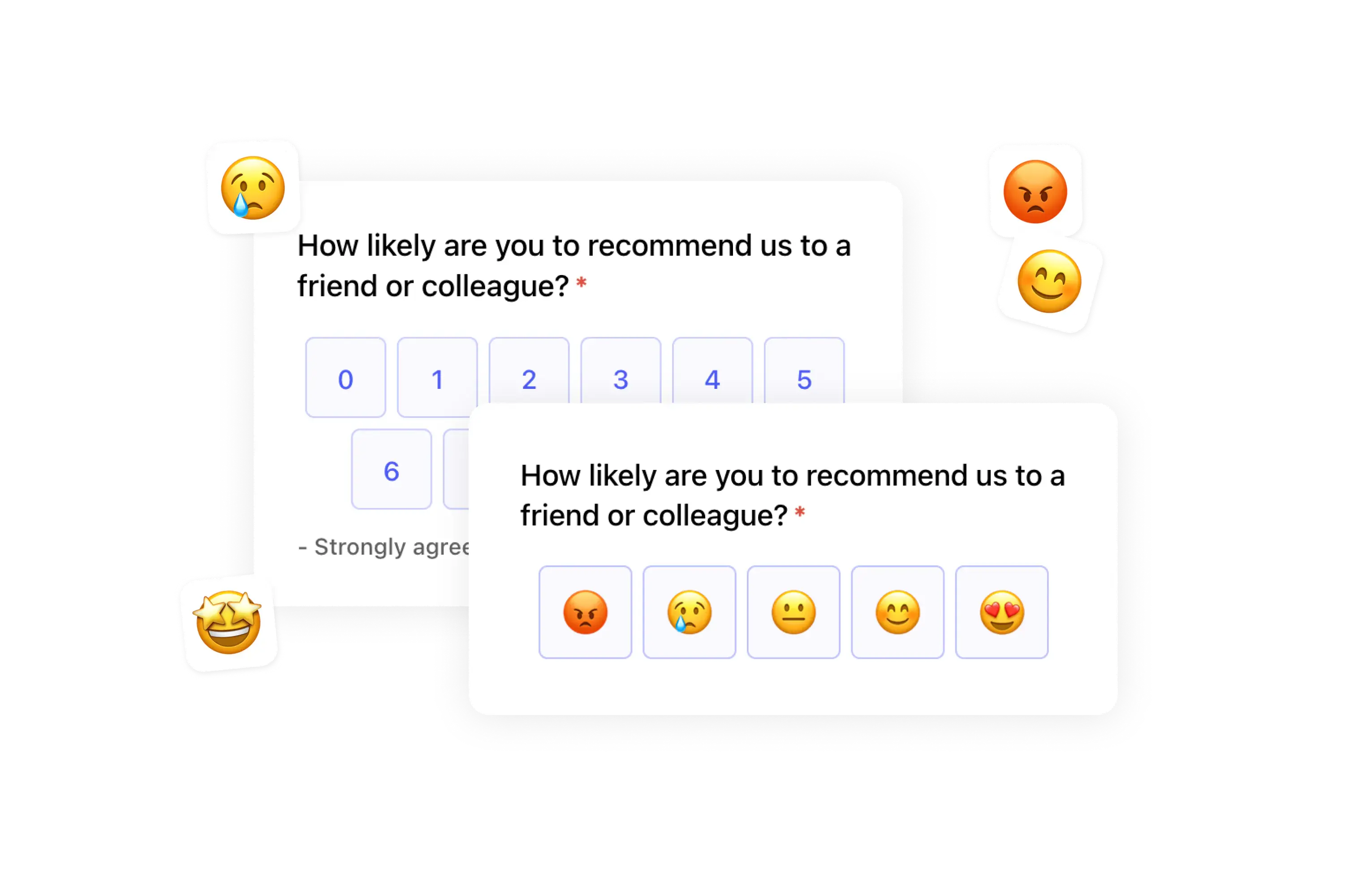
Run NPS, CSAT, open-ended, rating, and custom in-app surveys from customer behavior, lifecycle stage, or support context. The answers feed product decisions instead of becoming another disconnected dashboard.
Explore surveys
Gleap surveys collecting customer feedback across apps and websites.
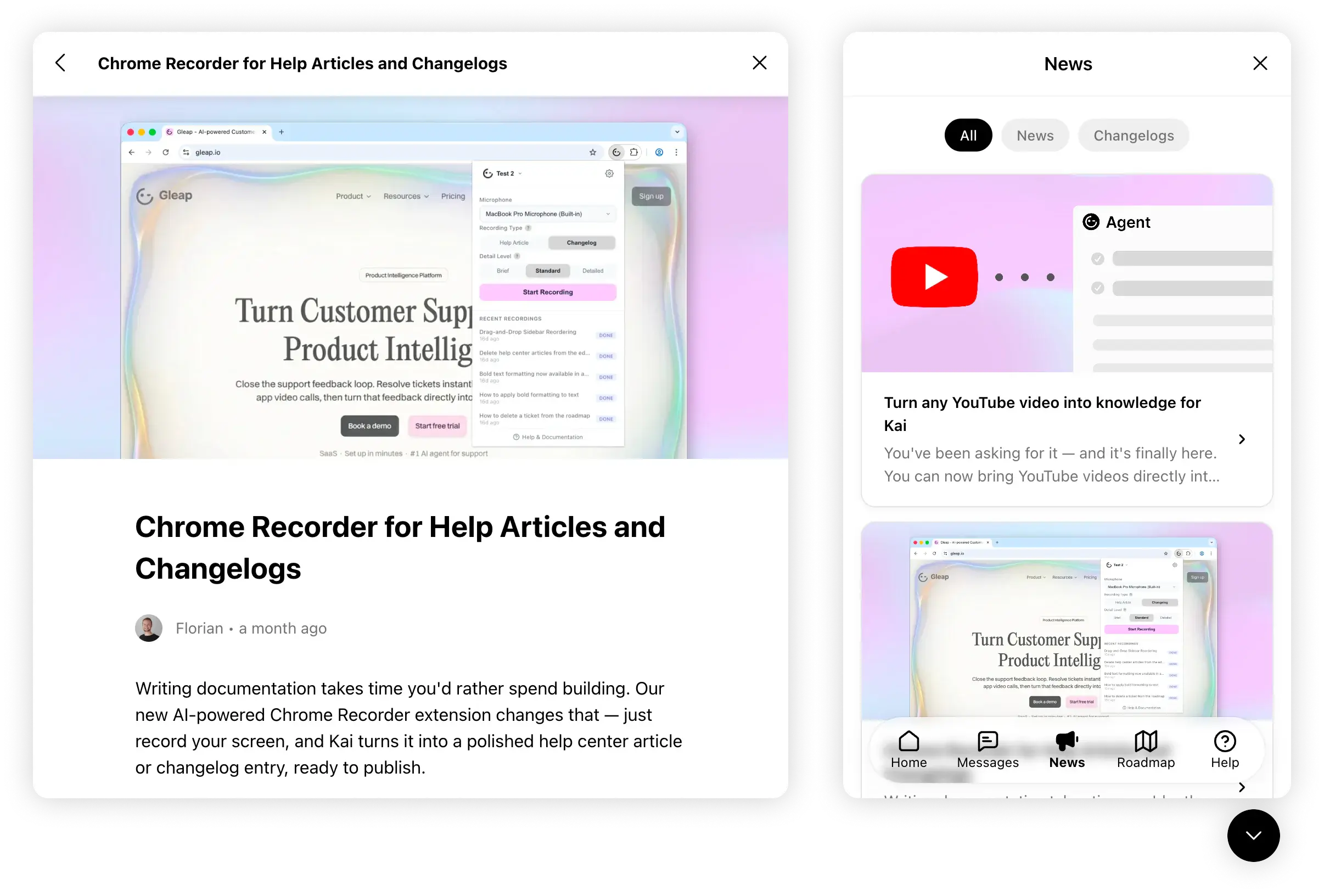
Product news updates shown inside the Gleap in-app news surface.
News and release notes
Announce what shipped and keep the history searchable.
Use in-app News for timely product moments and changelogs for a permanent release history in your feedback portal. Connect shipped work back to roadmap items, voters, and subscribers.
Explore news and release notes
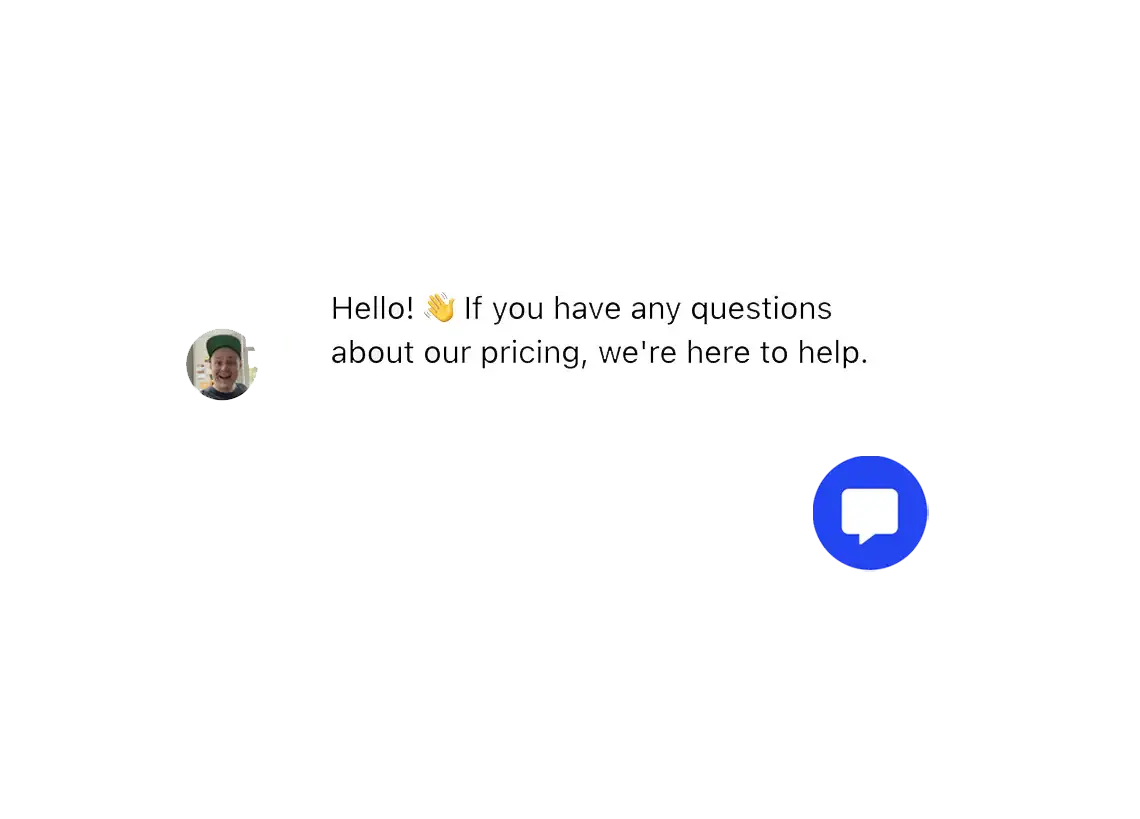
In-app messaging
Targeted messages across web and mobile apps.
Use in-app messages for pricing help, onboarding nudges, upgrade prompts, beta invites, feature tips, or direct follow-up while the user is active in your product. Gleap renders them across web and mobile apps from the same workspace.
Explore in-app messaging
A proactive in-app message shown to a customer with a chat launcher for replying.
Emails
Automations and newsletters from shared customer context.
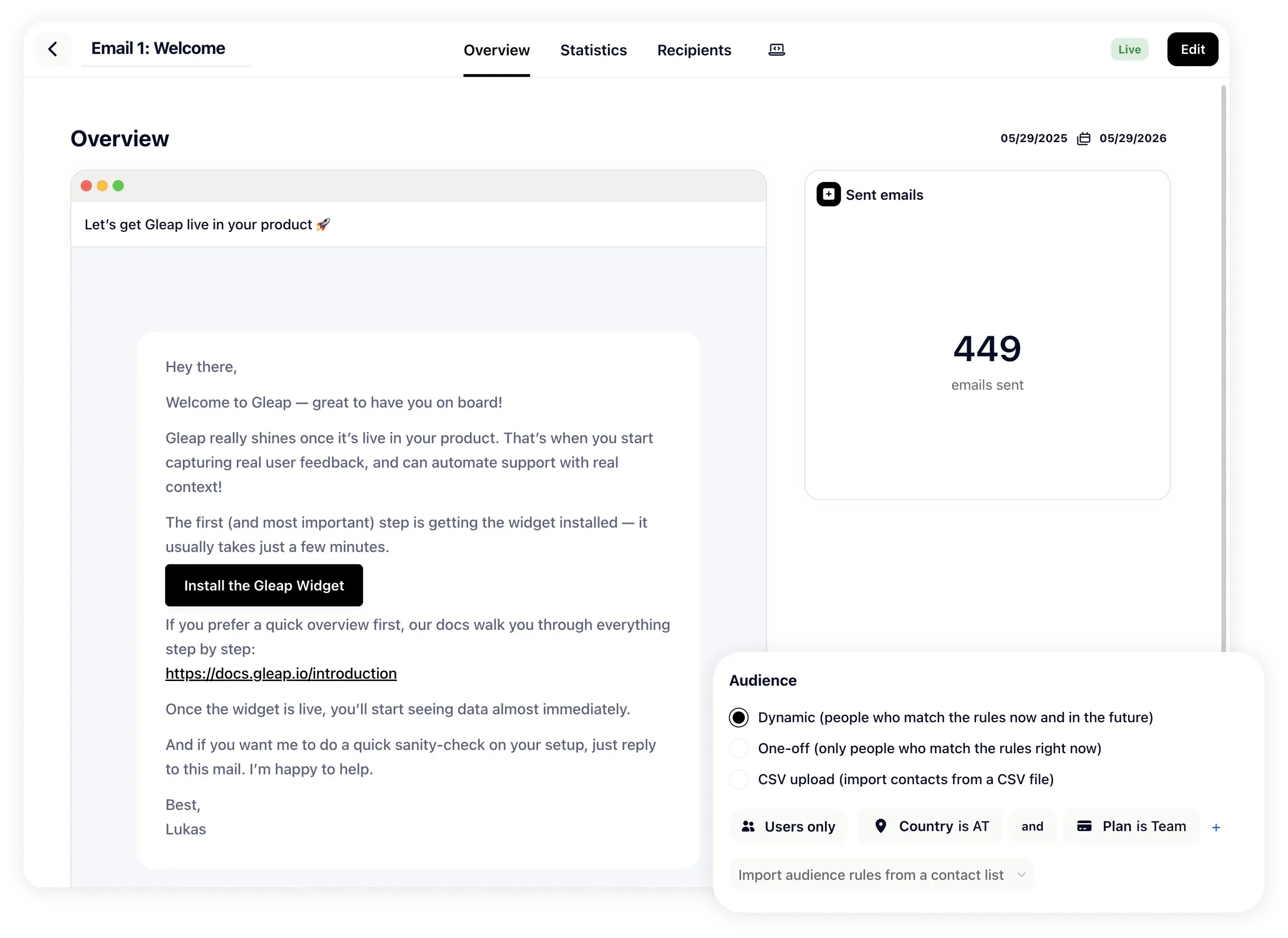
Send behavior-triggered lifecycle emails, onboarding nudges, re-engagement messages, product updates, newsletters, and follow-ups without splitting the customer journey away from support and feedback.
Explore email automation
Event-based outbound email automation in Gleap.
Push notifications
Reach users when they are away from the app.
Use push for alerts, reminders, product news, lifecycle nudges, and time-sensitive account moments. When the message should wait for the next session, pair it with banners, news, or chat.
Explore push notifications
WhatsApp
Bring WhatsApp into the same customer thread.
Answer WhatsApp conversations from Gleap alongside widget chat, email, Instagram, Messenger, and Telegram. Kai and your team see the same profile, history, and context.
Explore WhatsApp
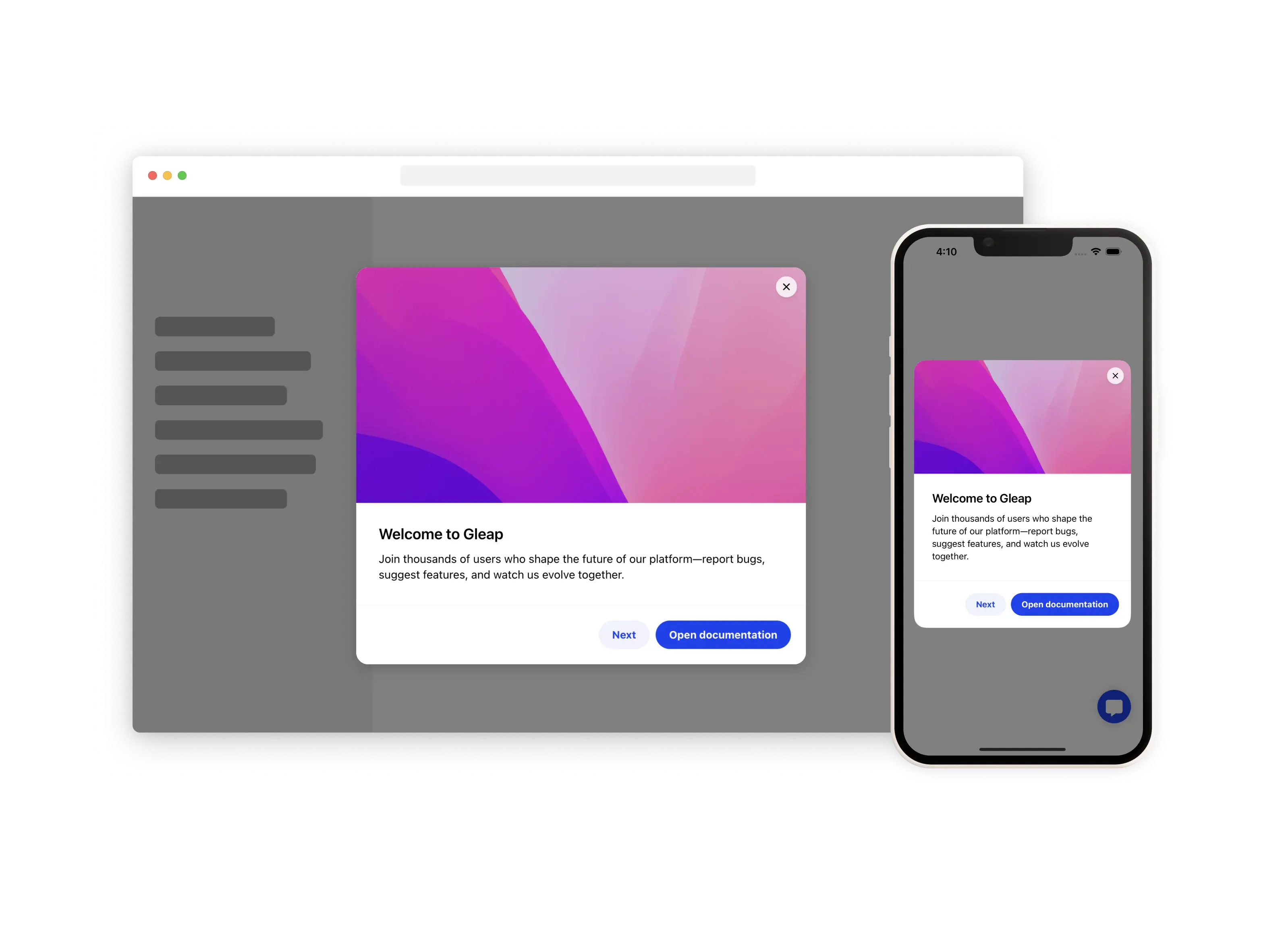
Info cards
Small teaching moments inside the product.
Info cards explain a feature, recommend a next action, link help content, start a tour, or point users toward Kai without forcing them out of the workflow.
Explore info cards
Info cards shown as responsive in-product modals on desktop and mobile.
A tooltip with video guidance attached to a product interface element.
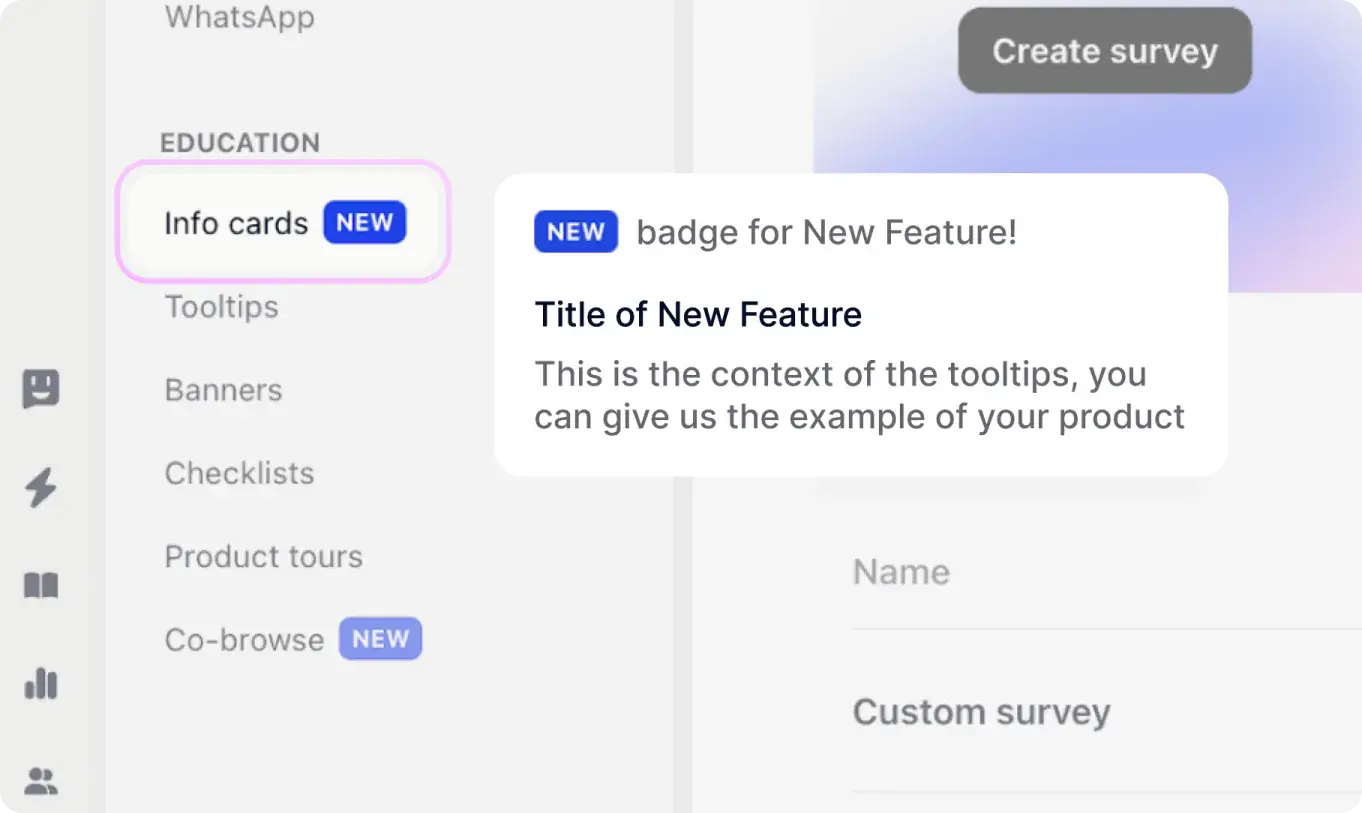
Tooltips
Attach guidance to the exact element users need.
Tooltips give users the hint in the place they need it: a button, field, empty state, feature area, or next step. Use them alone or as part of a larger product tour.
Explore tooltips
Banners
Important messages where users already work.
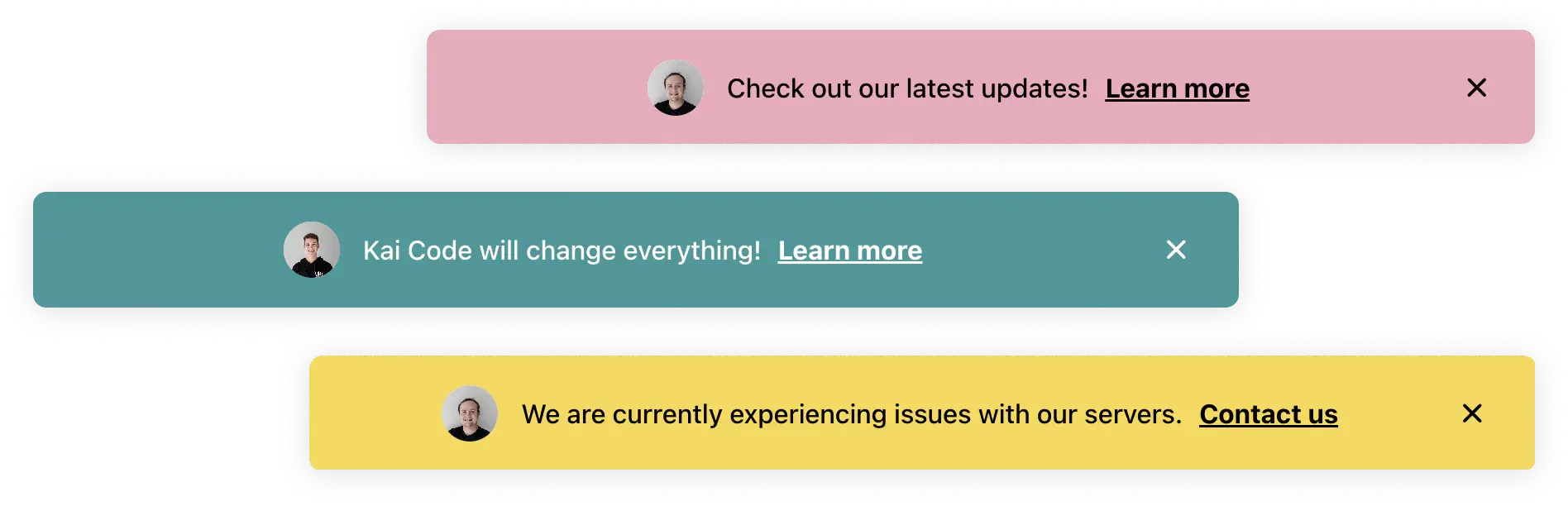
Use inline or floating banners for launches, incidents, upgrade paths, deadlines, and notices that should be visible in the product. Control copy, design, CTA, targeting, and dismiss behavior.
Explore in-app banners
An in-app banner shown inside a product interface with a clear call to action.
In-product checklists guiding customers through onboarding steps in Gleap.
Checklists
Give users a clear path to activation.
Build onboarding and activation checklists with progress, completion triggers, segment-specific steps, and follow-up actions. Each step can launch a tour, tooltip, message, or survey.
Explore checklists
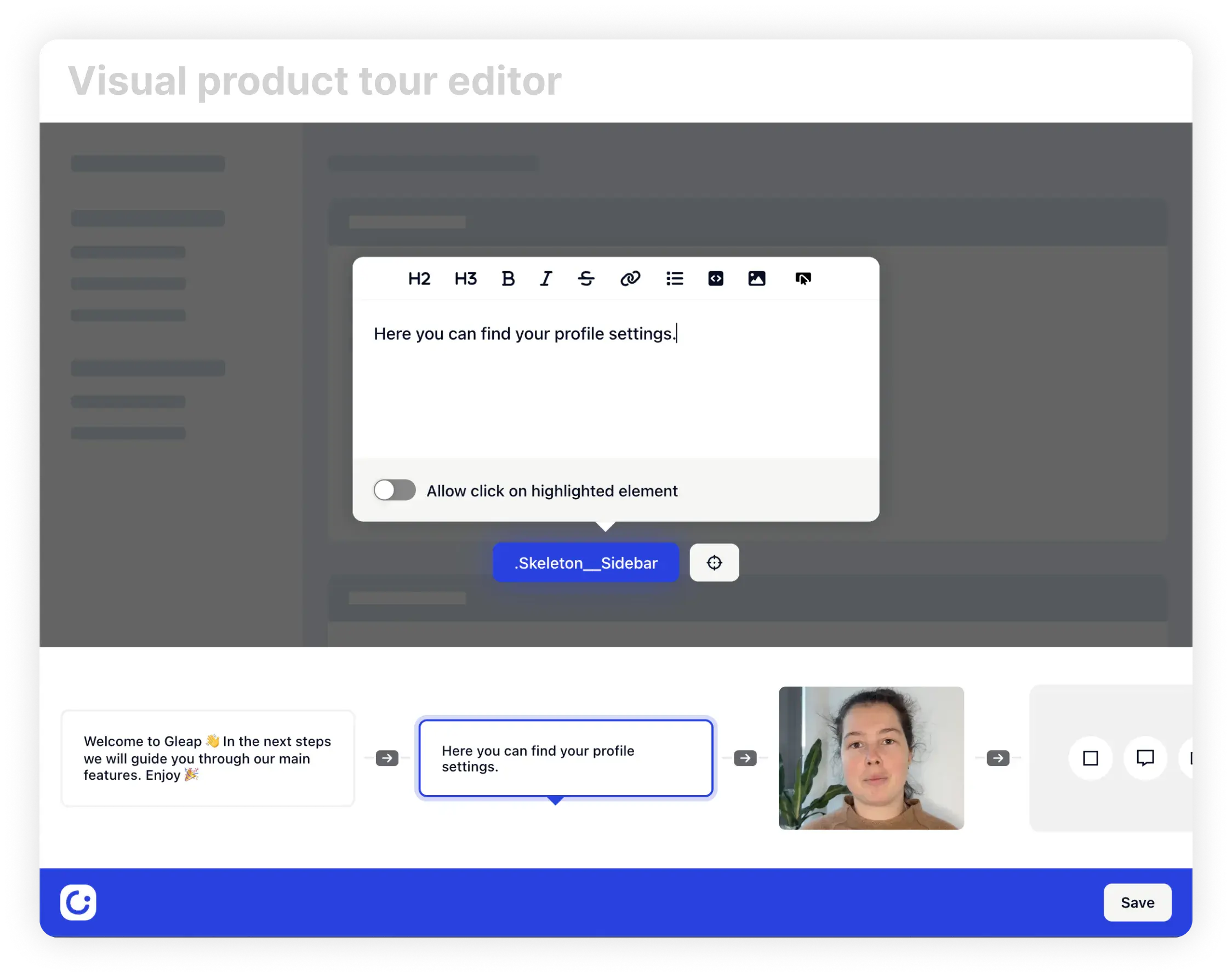
Product tours and co-browse
Show users the workflow and help them through it.
Create no-code product tours for onboarding, feature launches, and workflow guidance. Co-browse with Kai keeps the tour adaptive when users ask questions or get stuck mid-flow.
Explore product tours
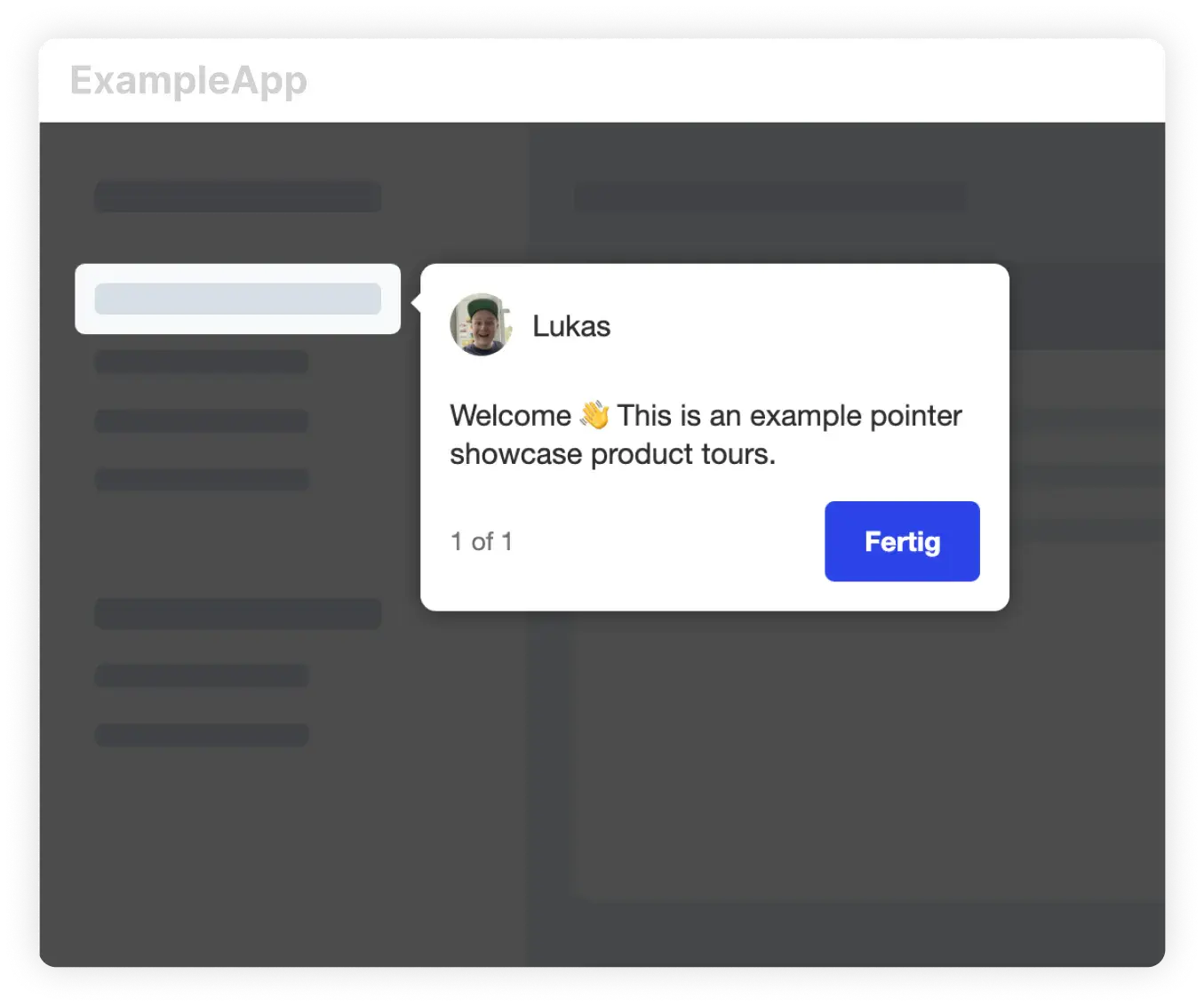
A product tour pointer explaining a highlighted element inside an example app.
“Essential to our development process.”
Gleap was implemented within minutes and helps MARK.ONE fix bugs quickly while building real customer relationships.
Mark Breuß
Founder, MARK.ONE
Build the outreach stack around the customer.
4.6 / 5
G2 · 4,500+ teams