Guide every user to their first win - automatically.
Build onboarding checklists that guide users through activation, track completion, and surface drop-off signals your support and product teams can act on.

Create and reorder steps visually. Add titles, descriptions, GIFs. Link each step to a page or feature. Set auto-completion conditions or manual checkboxes. Preview before publishing. Duplicate for different segments. No developer needed.
Progress + completion triggers
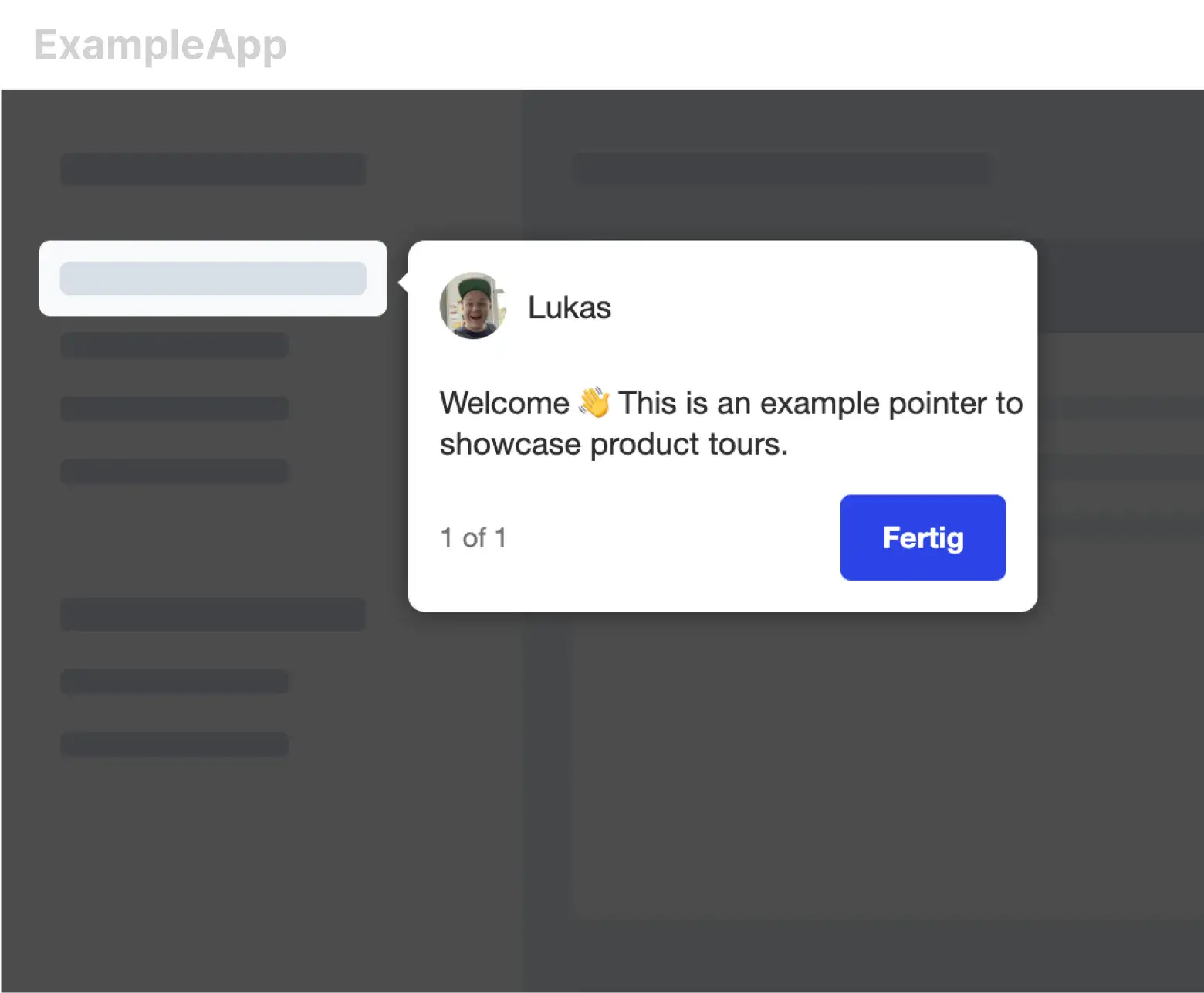
Persistent widget shows progress at a glance. On step completion, trigger the next action: tooltip on next feature, congrats modal, email, push notification. On full completion, swap the checklist for the in-app news feed.
Drop-off analytics
See which step gets people stuck. That step is your next onboarding improvement.
Per-segment checklists
Different roles, different paths. Free vs paid, beginner vs power user.
Kai is one click away
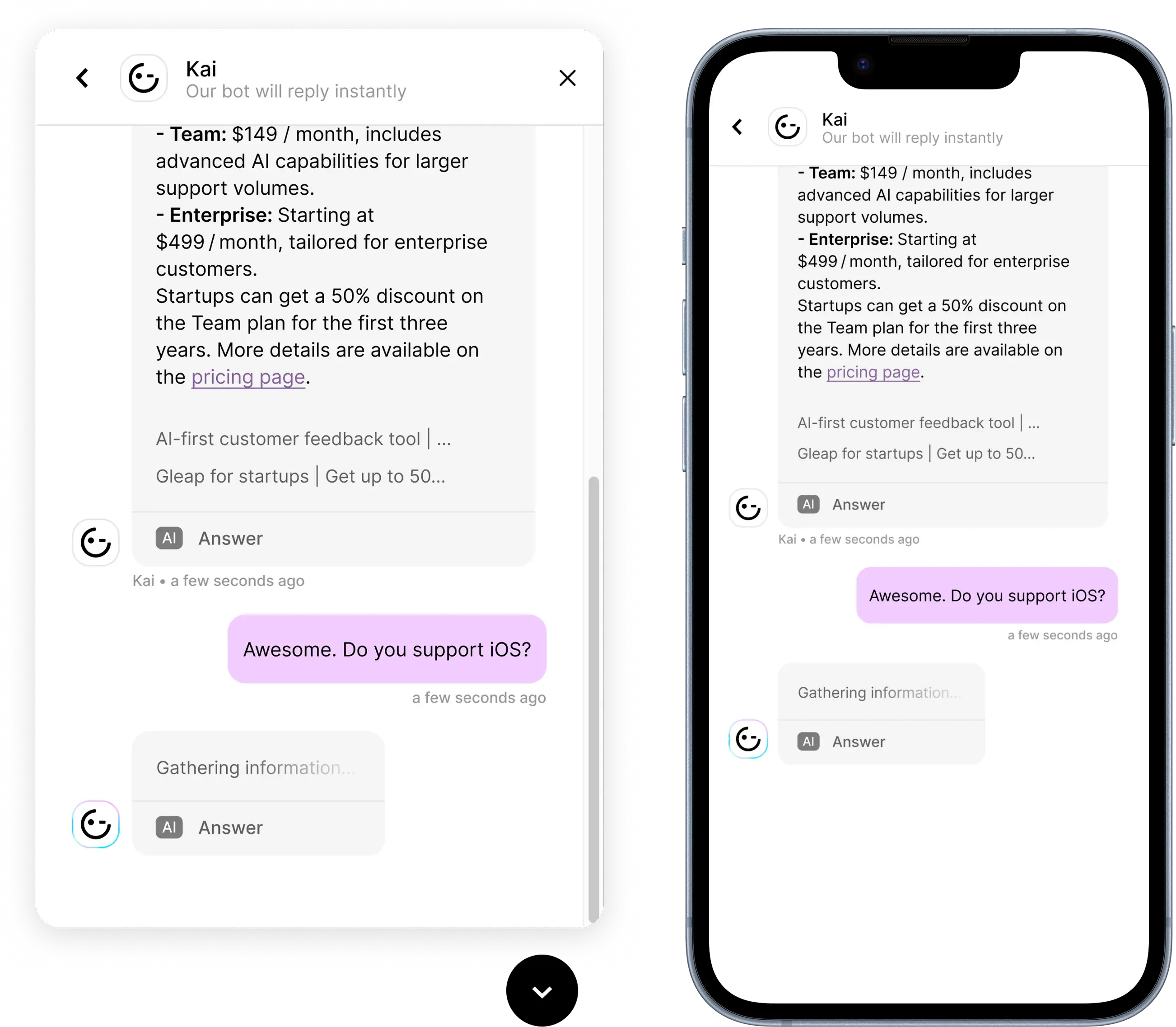
When a user gets stuck, the AI chatbot answers - without leaving the step.
Gamification optional
Confetti, XP, badges, streaks - turn onboarding into a small game.
“Superior features for 75,000+ users.”
Airspeed switched from UserSnap to Gleap to support multiple platforms and more than 75,000 users with a stronger feedback and support workflow.
Gaylan Greenawalt
PM, Airspeed
Built into the onboarding layer
Checklists are one part - they work better with the rest
An in-app step-by-step guide that lives inside your product and shows users what to do next. Gleap's checklists track progress automatically, adapt to the user, and trigger the next action when a step completes.
How do checklists improve activation?
They give users a clear path to first value. Reduces 'what do I do next?' anxiety. Surfaces the high-leverage actions you want users to complete. Drop-off analytics show exactly which step needs improvement next.
Do I need a developer to build them?
No. Drag-and-drop builder. Add steps, link to pages or features, set auto-completion conditions. Your onboarding or product team owns the workflow.
Can checklists trigger other actions?
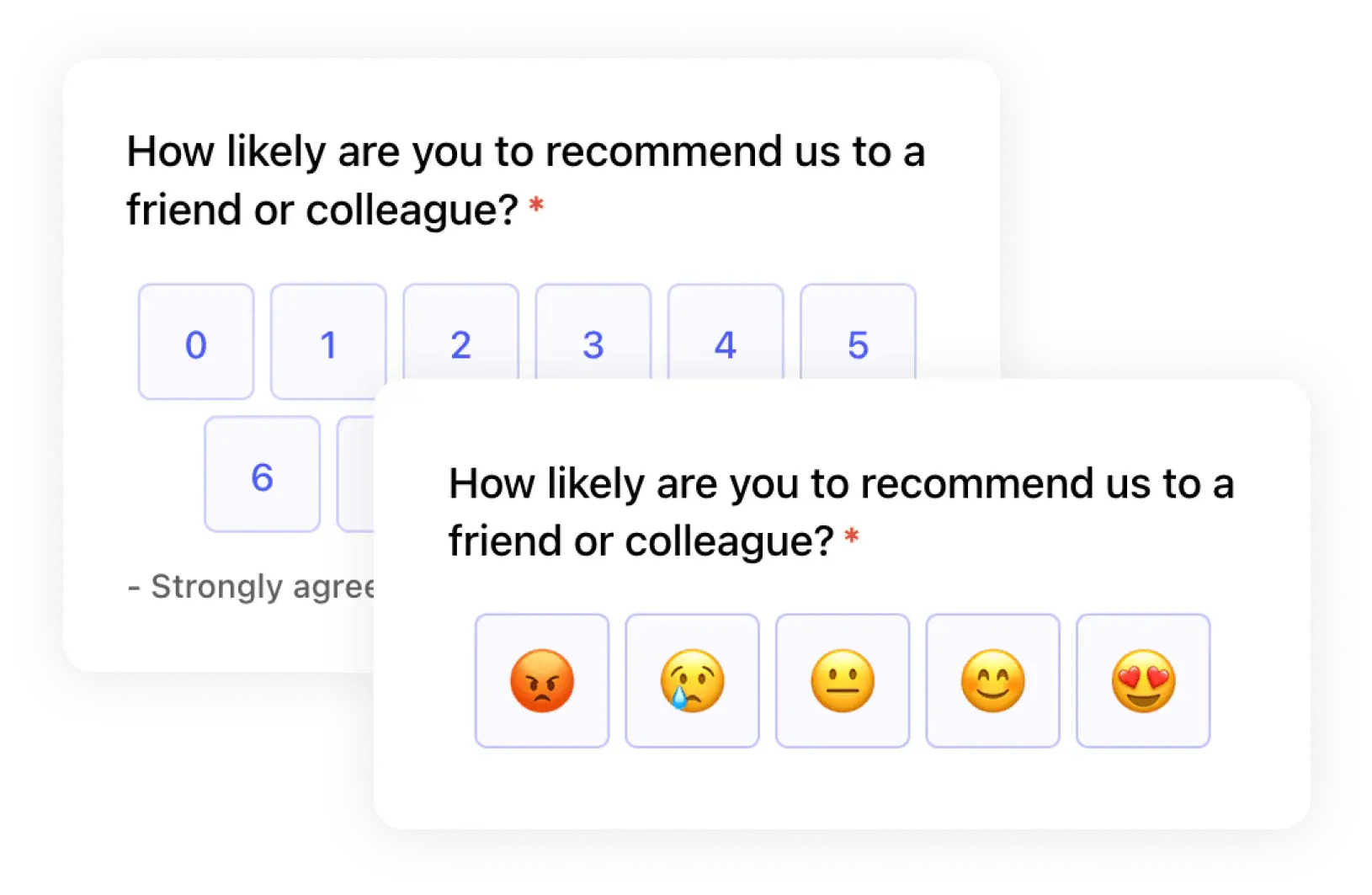
Yes. On step completion: tooltips, modals, in-app banners, push notifications, emails. On full completion: trigger a Kai PM survey, swap the checklist for the news feed, remove the launcher.
Can different users see different checklists?
Yes. Per-segment checklists by role, plan tier, language, signup channel. Free users see one path; paid power users see another.