Tooltips.

Contextual guidance attached to the thing users need to understand.

4.6/5 on G2
Trusted by 4,500+ teams worldwide
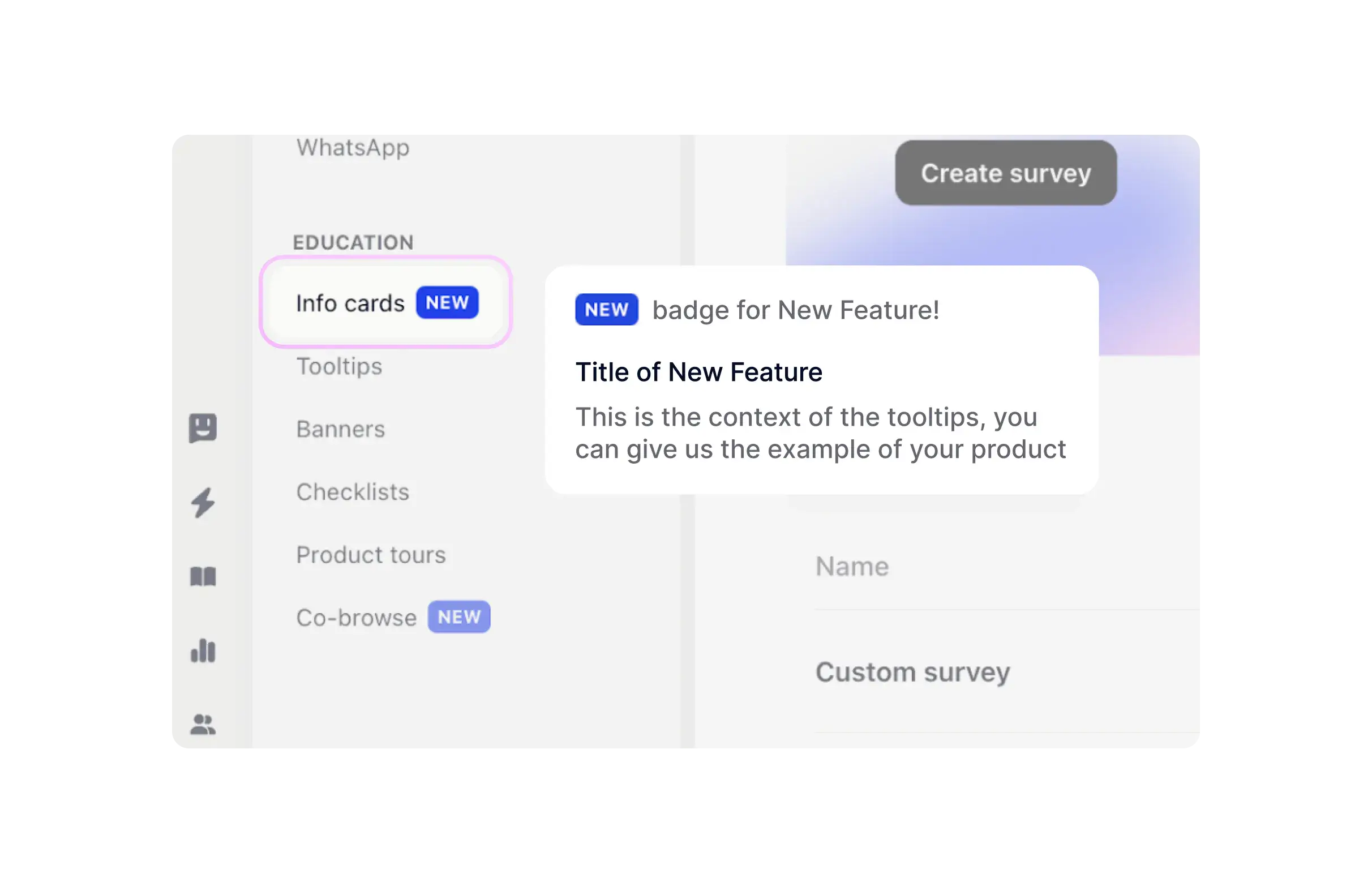
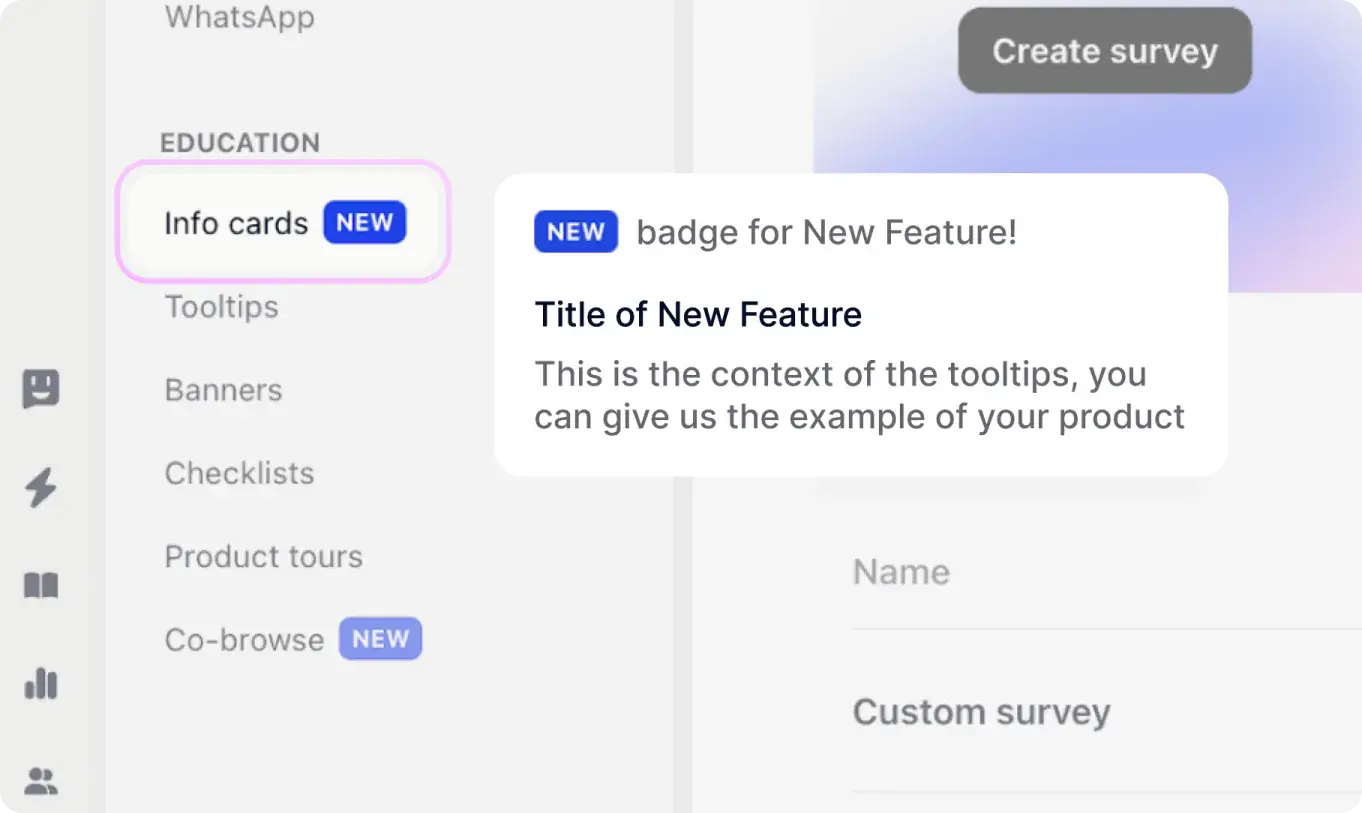
A tooltip with video guidance attached to a product interface element.
Explain features without leaving the screen
Start 14-day free trial
Trusted by 4,500+ companies
Guidance on the exact element
Attach tooltips to buttons, menus, empty states, fields, and feature areas. Use them to explain what something does, why it matters, and what the user should do next.
A tooltip card explaining a product interface element with embedded video guidance.
Part of tours and onboarding
Tooltips can stand alone or become steps in a larger product tour. Trigger them by segment, lifecycle stage, feature usage, or checklist progress.
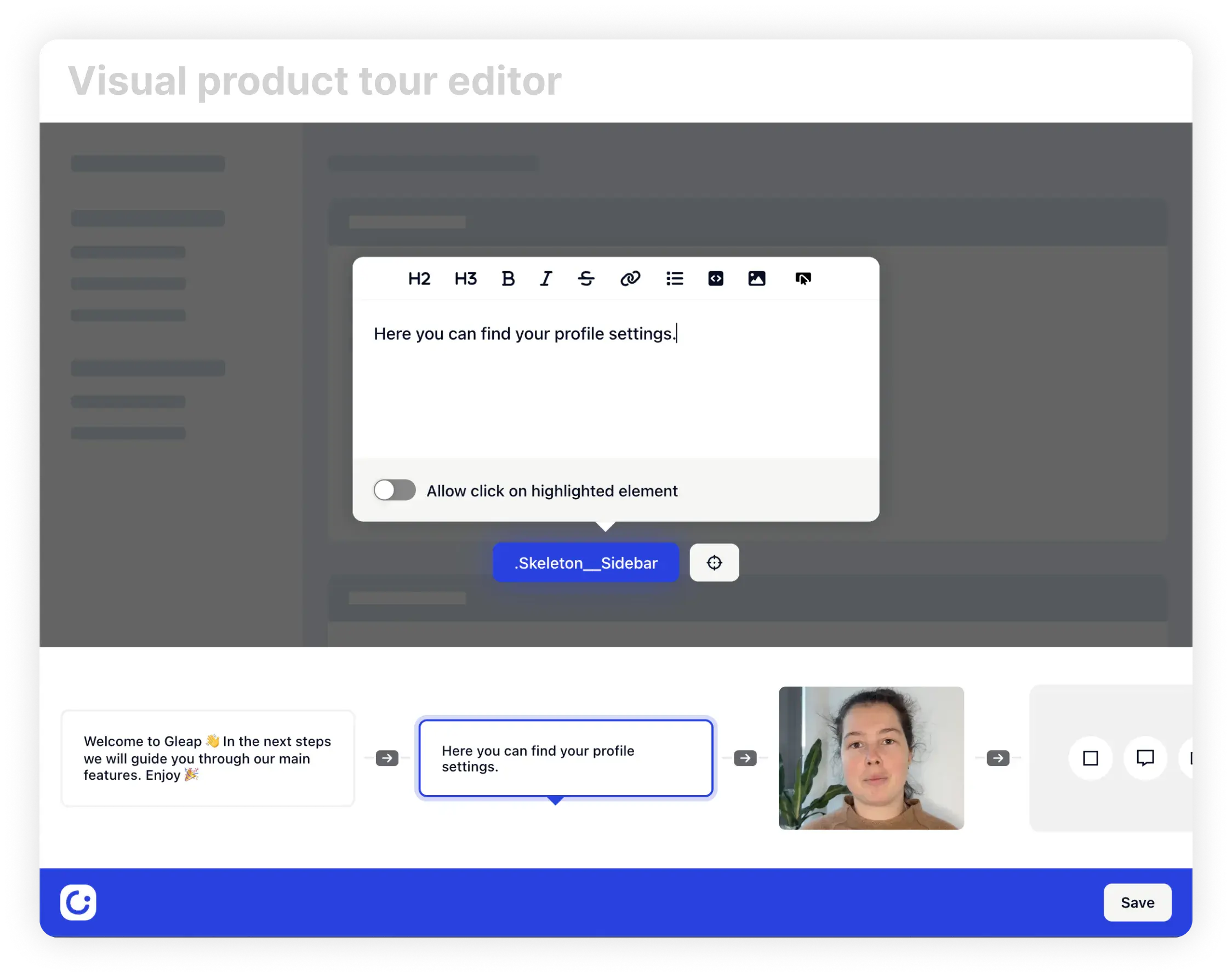
A visual product tour editor for adding tooltip steps.
Point-and-click setup
Select elements visually and write the tooltip copy.
Triggered by behavior
Show guidance when a user reaches the right moment.
Per-step analytics
See which tooltip is seen, skipped, or completed.
Works with checklists
Launch a tooltip when a checklist step needs explanation.
Give users the hint before they get stuck.
4.6 / 5
G2 · 4,500+ teams