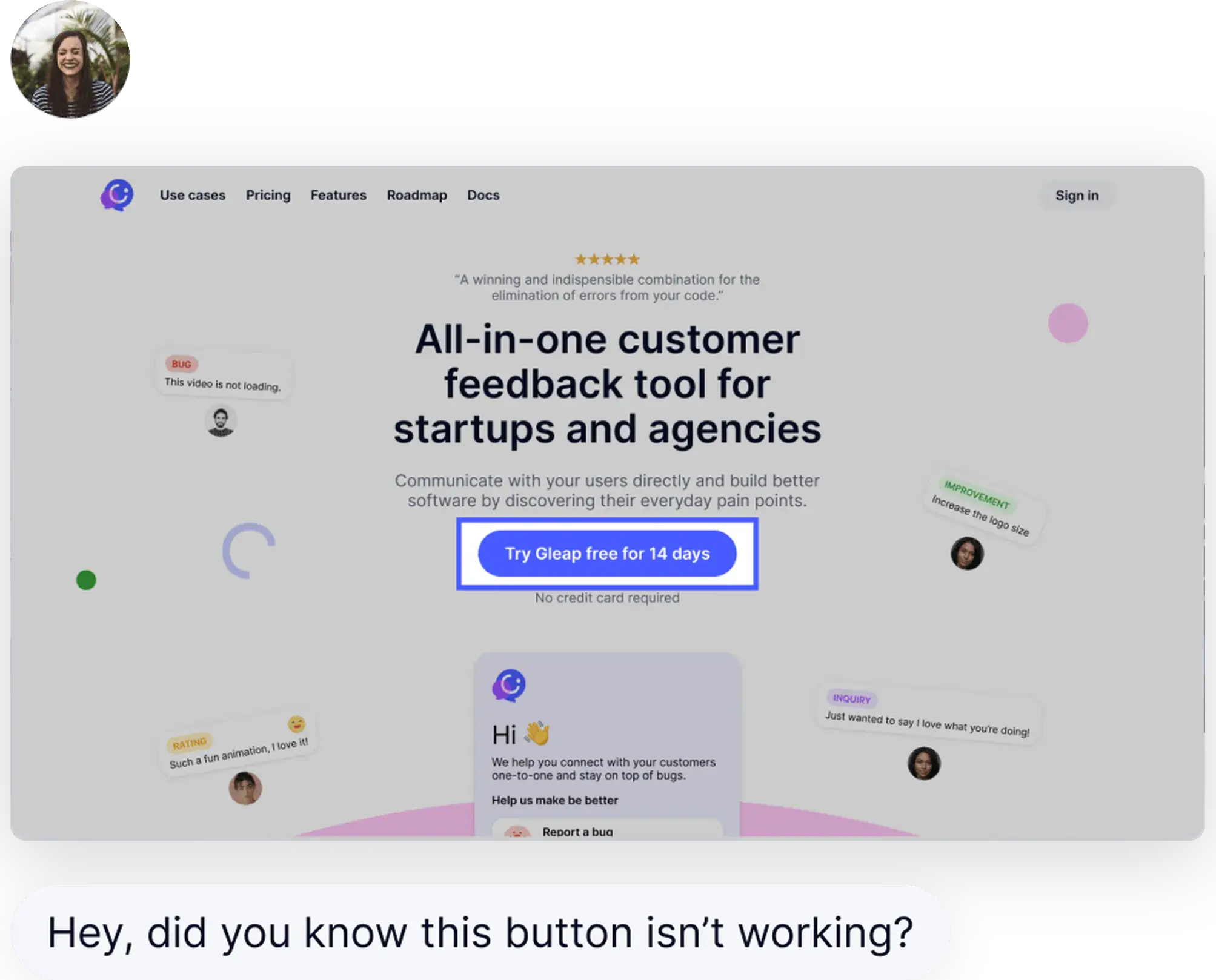
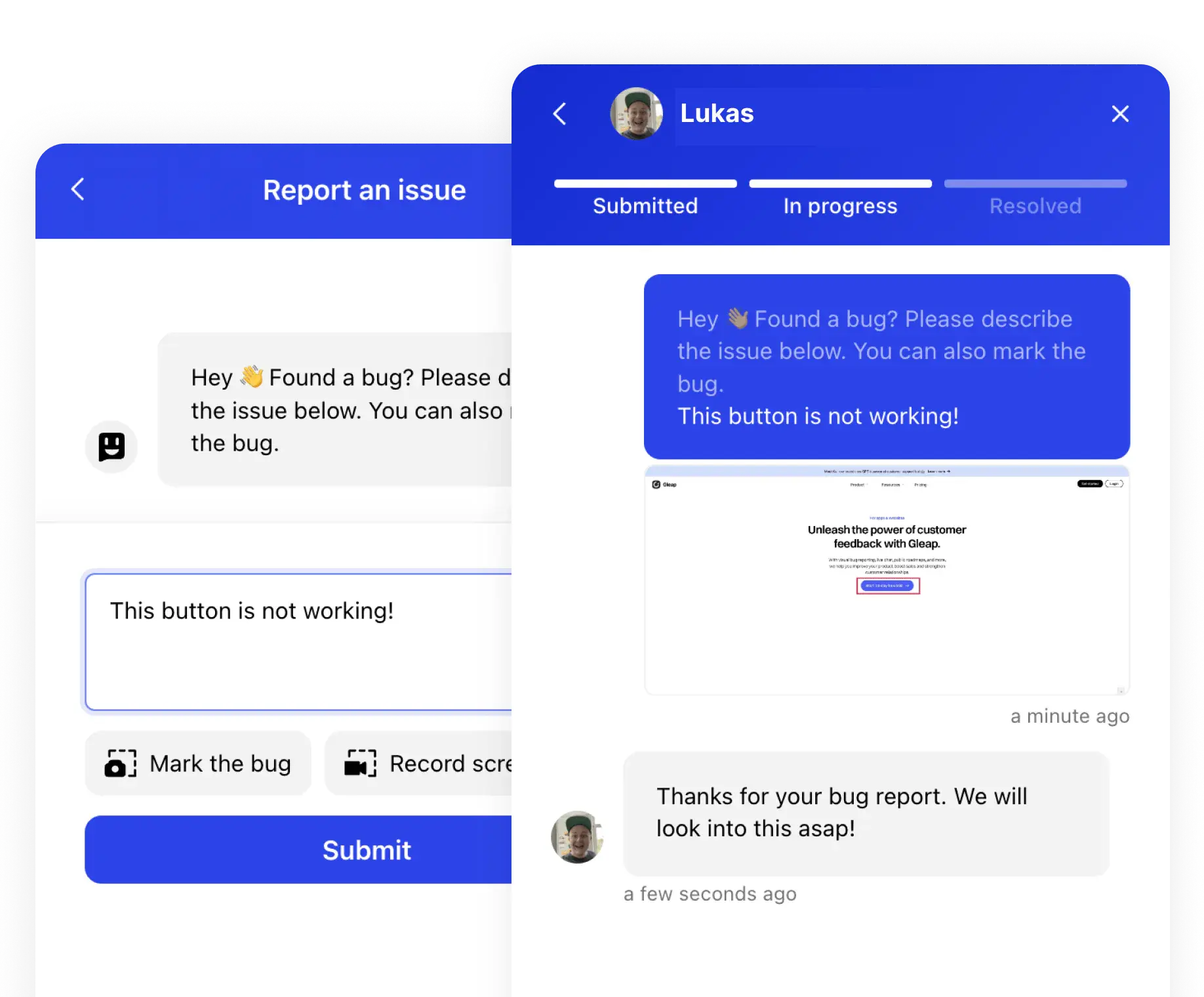
A website feedback tool should collect more than comments. Gleap is built for SaaS teams that need website feedback, visual QA, support context, and engineering-ready bug reports in one workspace. Users can point at the problem, describe it in their own words, and submit the report while Gleap captures the technical evidence automatically.
Trusted by 4,500+ companies
Capture website feedback while the issue is still visible
Screenshots, annotations, replay, logs, and customer context together
Visual feedback for web apps and websites
Customers, testers, and internal QA teams can submit annotated screenshots from the exact page where the issue appears. Comments arrive with page URL, browser, screen size, user identity, and account details so support and product teams know who was affected.
Developer-grade context without follow-up questions
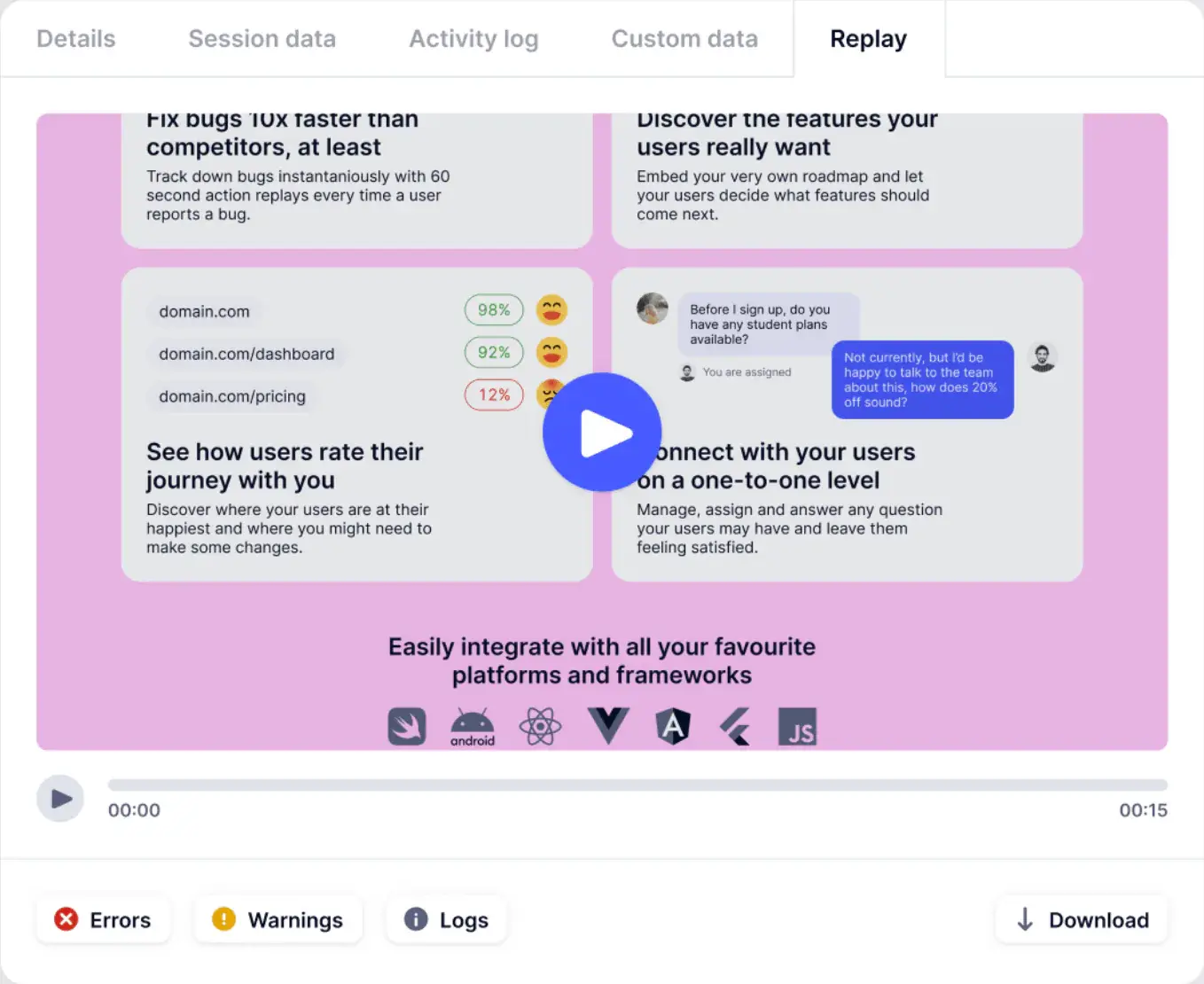
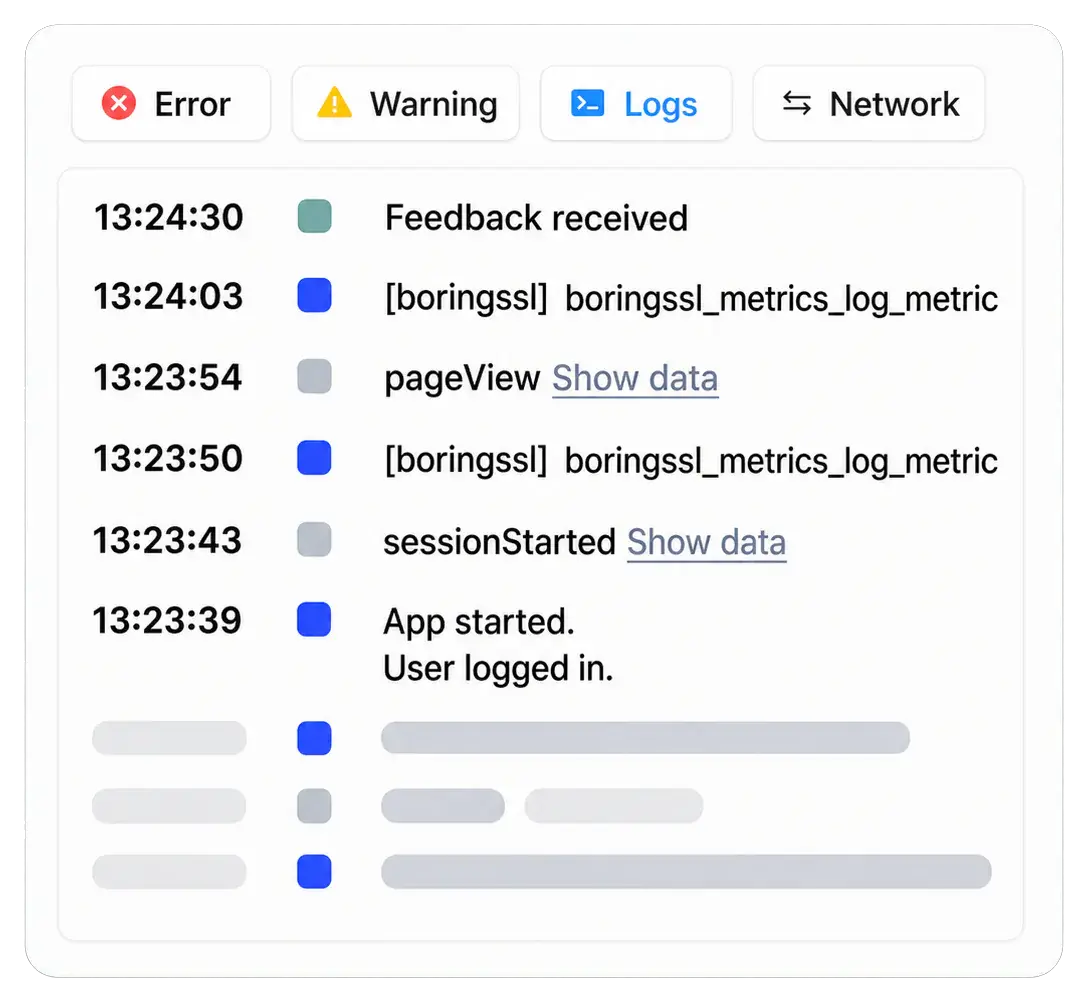
Every useful website feedback tool should reduce back-and-forth. Gleap attaches session replay, console logs, network requests, environment metadata, and reproduction context so engineering can see what happened before the report was sent.
Built for QA and production feedback
Use the same workflow before launch and after customers are live.
During website QA, Gleap helps teams catch layout issues, broken flows, missing states, and confusing copy. In production, the same widget turns customer frustration into reproducible feedback with the technical context developers need.
Website feedback belongs in the support and product loop
Not in a disconnected screenshot inbox.
A report might be a bug, a usability issue, a support question, or a feature request. Gleap keeps it connected to Kai support, Kai Resolve investigation, Kai PM roadmap prioritization, and Kai Code implementation when the feedback becomes engineering work.
“Essential to our development process.”
Gleap was implemented within minutes and helps MARK.ONE fix bugs quickly while building real customer relationships.
Website feedback features
Everything needed to move from report to resolution
Annotated screenshots
Let users mark the exact UI issue instead of writing long descriptions.
Session replay
Replay the path that led to the report, including clicks, navigation, and visible state.
Console and network logs
See JavaScript errors, failed requests, timing, and environment details automatically.
Customer context
Connect feedback to user, company, plan, segment, support history, and impact.
AI support handoff
Route feedback into Kai when it is a support issue, not a code defect.
Privacy controls
Mask sensitive fields, filter network payloads, and keep feedback collection compliant.
Collect website feedback your team can act on.